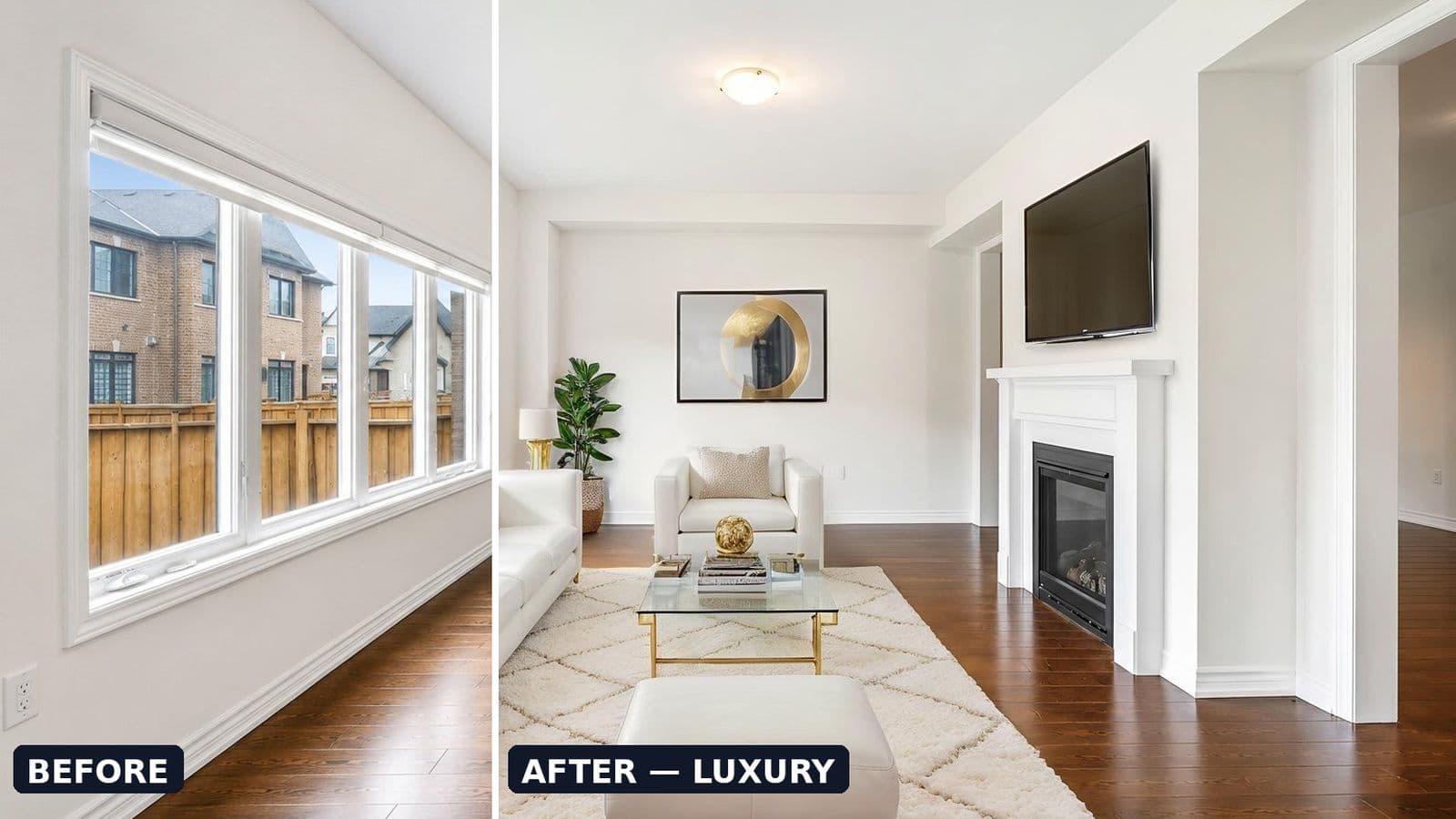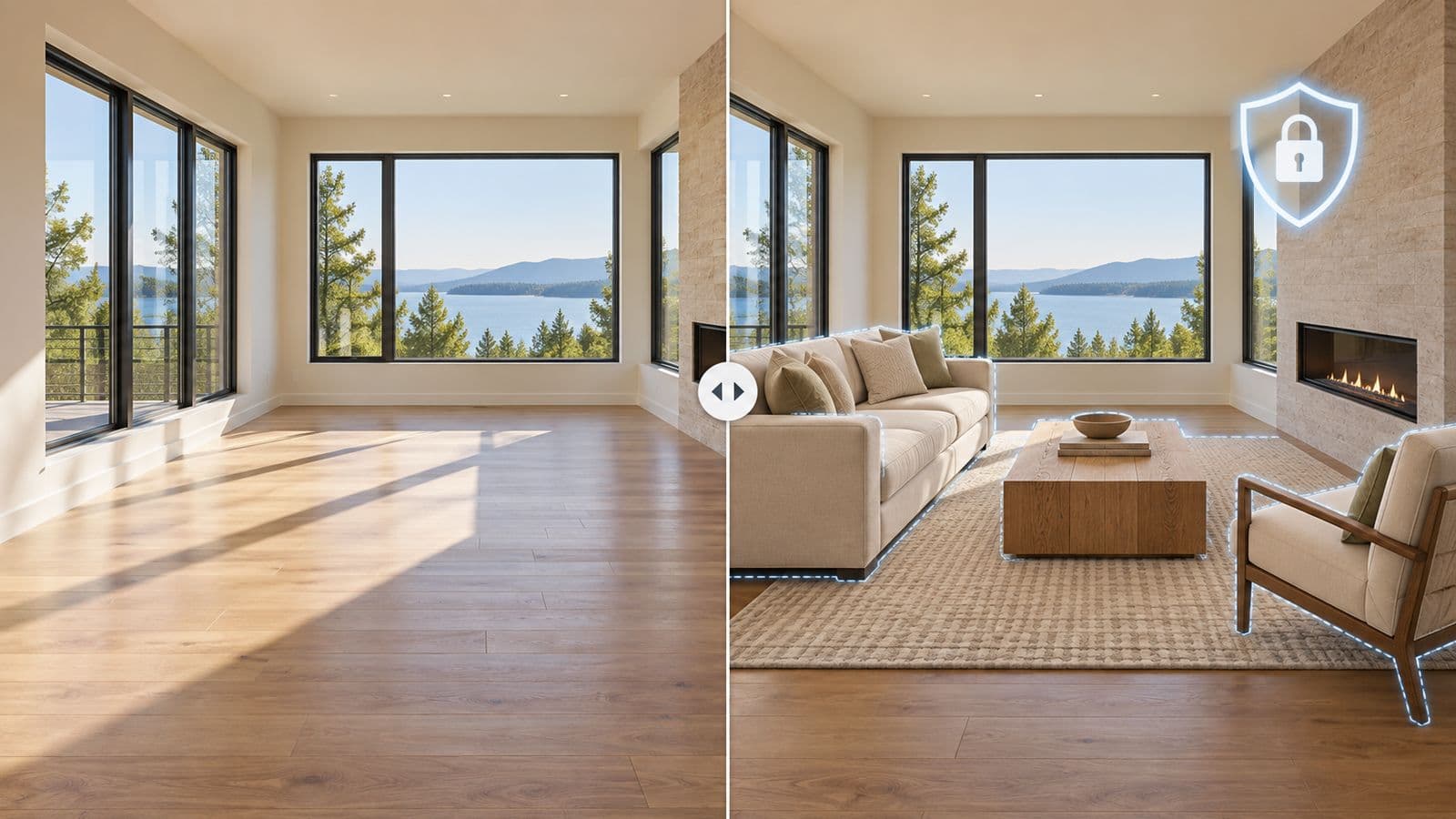
What can you change with virtual staging, and what's off-limits?
You can add or remove furniture and décor. You cannot change the property itself. The dividing line every MLS uses is simple: staging that shows the room furnished is fine; staging that shows a different house is not. Add a sofa — yes. Add a fireplace that isn't there — no.
Here's the full list.
✅ What you CAN do
- Add furniture to an empty room — sofas, beds, tables, rugs.
- Add décor and accessories — art, plants, lamps, throw pillows.
- Add an accent paint color to a wall (it's cosmetic and easily changed).
- Remove existing furniture (declutter), with disclosure — you're showing the real room, just empty.
- Add patio furniture to a real backyard or balcony.
- Remove clearly temporary clutter — trash cans at the curb, a stray cord.
The test: would the room actually look like this if a buyer moved their own furniture in? If yes, you're fine.
❌ What you CANNOT do
- Add architectural features that don't exist — a fireplace, built-ins, a kitchen island, extra windows or doors.
- Add structures outside — a pool, a deck, a garage, an addition.
- Remove or hide defects — cracks, water stains, damage, an unpermitted wall.
- Change room dimensions — making a room look bigger than it is.
- Alter the view or the exterior — swapping the neighbor's house for trees, removing a mature tree.
- Add people — many MLSs prohibit any persons, including AI-generated ones.
The test: does the edit make the property look like something it isn't? If yes, it's prohibited — and it's the fast track to a misled buyer and an MLS complaint.