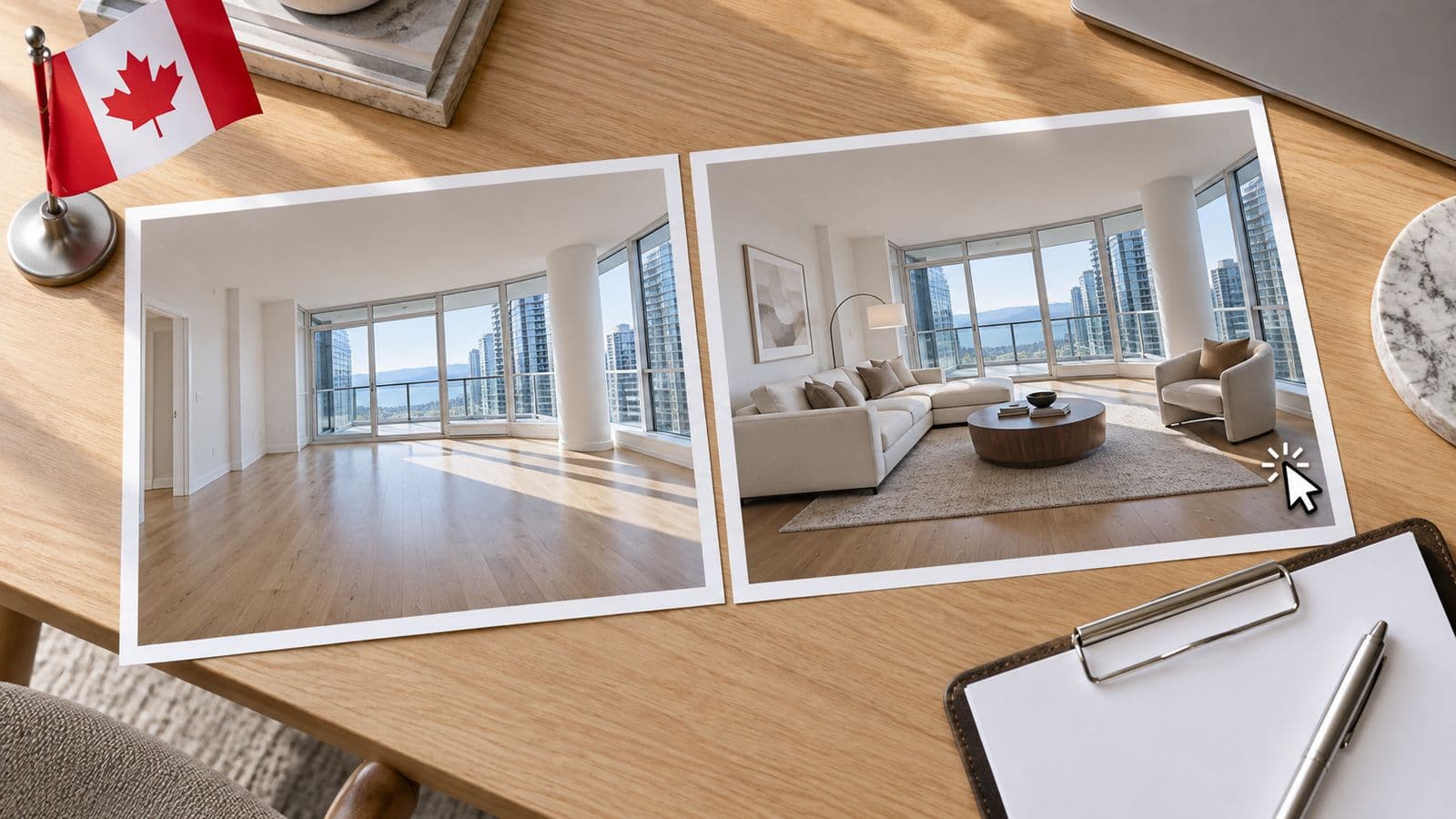
Can you put virtually staged photos on Realtor.ca?
Yes — as long as the staged image accurately depicts the property and is clearly identified as staged. Realtor.ca is operated by the Canadian Real Estate Association (CREA), and neither CREA nor the local boards that feed it ban virtual staging. What they require is that an altered image not mislead, and that buyers can tell it was altered.
What CREA's standard comes down to
The rules that govern MLS® listings across Canada share one backbone: a listing photo must accurately represent the property, and any material alteration to that photo has to be disclosed. Adding furniture to an empty room is a material alteration — so it needs a label. Basic photo correction like exposure or white balance is not, so it doesn't.
The safe, universal way to meet that on Realtor.ca and any board system:
1. Watermark the image with "Virtually Staged" in a legible spot — a lower corner works, and it should stay readable at the size the photo actually displays.
2. Note it in the listing remarks — a line like "Photos marked 'Virtually Staged' have been digitally altered to show furniture and décor; original unaltered photos available on request."
3. Keep the unstaged original for every staged room, and include it in the gallery where you can.
Your local board can add rules on top
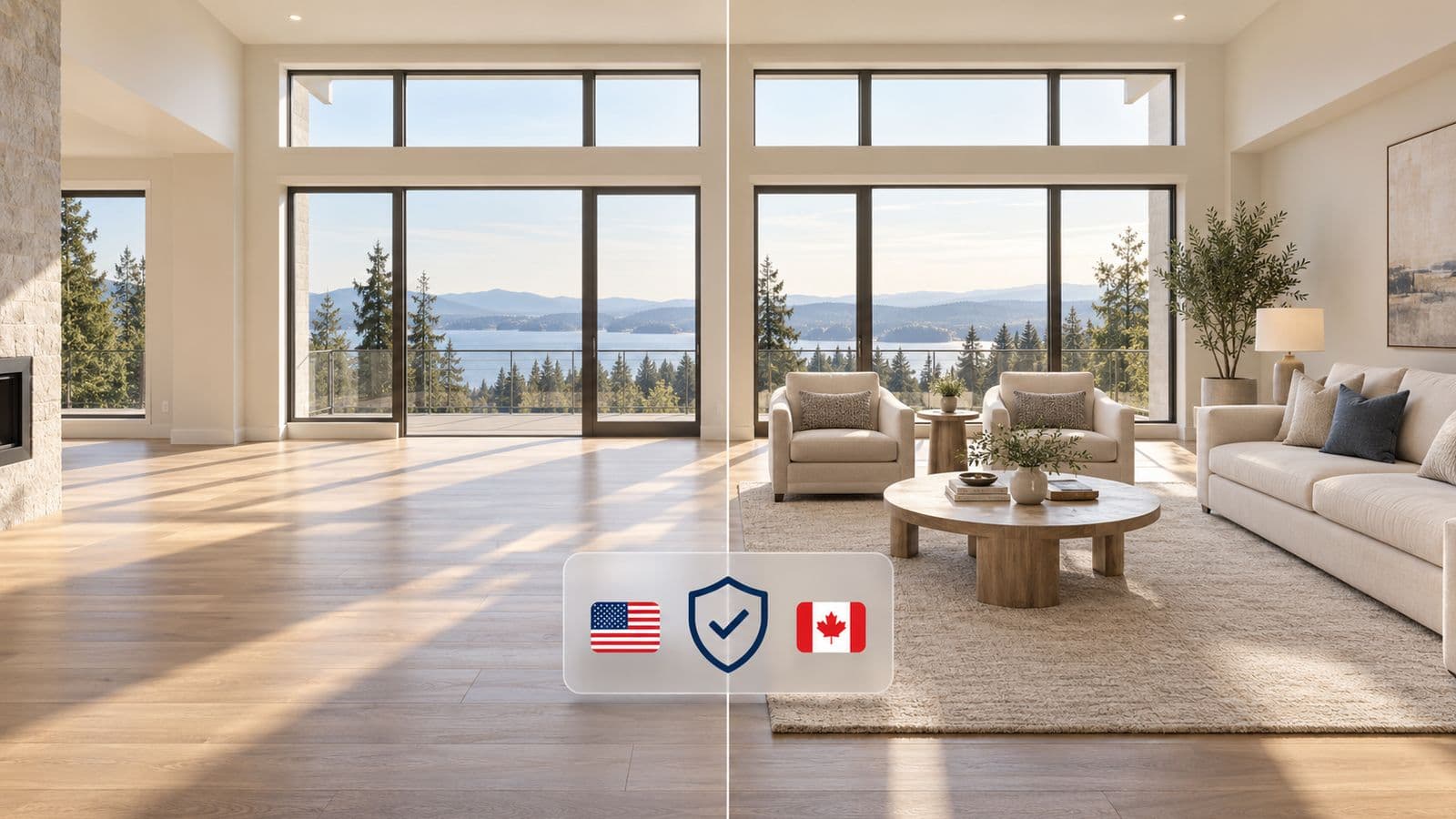
CREA sets the national frame, but the board whose MLS® you're posting to can be stricter. TRREB's PropTx system in Ontario, for example, has its own advertising rules about accurate depiction and no images of people. So the order of operations is: follow CREA's disclosure principle, then check your specific board for anything extra.
If you're in Ontario, the details are here: Virtual Staging Rules in Ontario (TRREB/RECO). Everywhere else, the province-by-province version is here.
The one thing that gets listings pulled
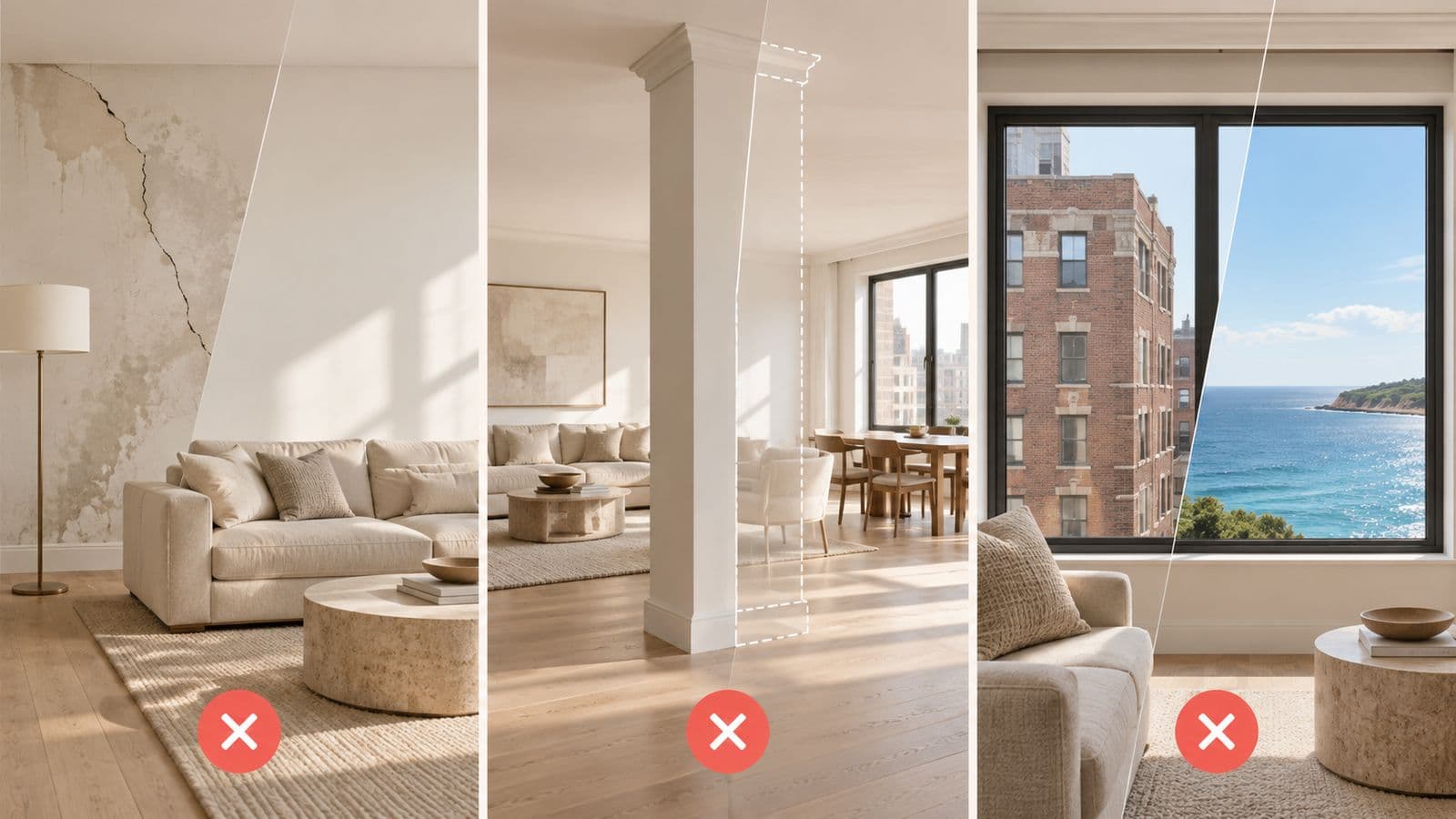
It's almost never the fact that a photo was staged. It's that the staged photo showed a property that doesn't exist — a wall that was removed, a view that was cleaned up, a room brightened into something the buyer can't find when they walk in. Stage the furniture, never the property, and the "does it accurately depict the listing" test takes care of itself.
FAQ
Is virtual staging allowed on the Canadian MLS?
Yes, on Realtor.ca and local board MLS® systems, provided the image accurately depicts the property and is disclosed as virtually staged.
Do I need to watermark staged photos on Realtor.ca?
A visible "Virtually Staged" label plus a note in the remarks is the safe standard. Confirm the exact wording rule with your local board, since some are more specific than others.
Can I show AI-added people in MLS photos?
Generally no. Some boards — TRREB's PropTx among them — prohibit images of people, including digitally generated people, on MLS listings.
Who enforces this — CREA or my board?
Both layers apply. CREA sets the national Realtor.ca standard; your local board enforces its own MLS® rules; and your provincial regulator governs your licence. Comply with all three by disclosing and never altering the property.
Staging built to pass the "accurate depiction" test
VirtuallyStage furnishes the real room and leaves the property untouched, and it keeps your original photo so disclosure is effortless — built by a licensed GTA agent whose own listings run on these rules.
$35 USD for 5 photos, no subscription.
Information, not legal advice — confirm current rules with CREA, your local board, and your provincial regulator. Last verified: July 16, 2026.