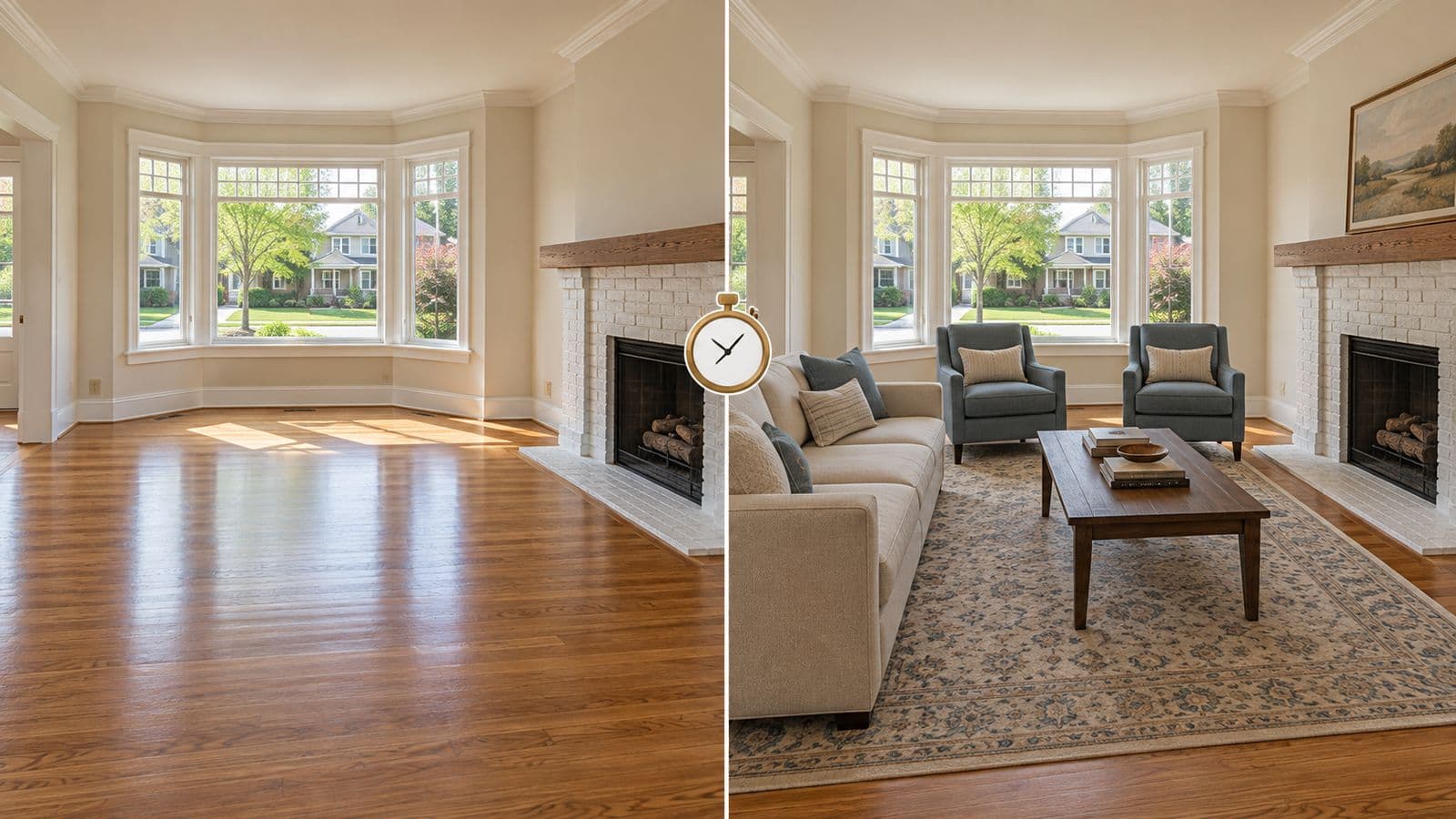
How do you virtually stage a vacant listing?
You photograph the empty rooms in good light, upload them to a virtual staging tool, pick a furniture style that matches the home, and download the furnished photos — start to finish in under an hour. No designer, no furniture rental, no waiting days. Here's exactly how.
Step 1 — Shoot the empty rooms right
Good staging starts with a good empty photo. The AI can only work with what you give it.
- Shoot in daylight. Open the blinds. Turn on the lights. Avoid harsh midday shadows.
- Straight-on, from a corner. Capture as much of the room as you can. Hold the camera level so walls stay vertical.
- Clean first. Remove trash, cords, and clutter — or plan to declutter them digitally.
- One clear shot per room. You don't need twenty angles; you need one good, well-lit frame per space.
Phone cameras are fine in 2026. Light matters more than gear.
Step 2 — Upload and pick a style
Upload the photo. Then choose a furniture style that fits the home and the buyer, not just what looks nice:
- Starter home / condo → clean, modern, uncluttered.
- Family home → warm, livable, a little lived-in.
- Luxury → restrained and high-end, not busy.
- Character home → midcentury or transitional over ultra-modern.
Match the staging to who's buying. A downtown condo staged like a farmhouse reads wrong.
(VirtuallyStage gives you 20 staged designs per photo, so you can generate a few and compare — at no extra cost.)
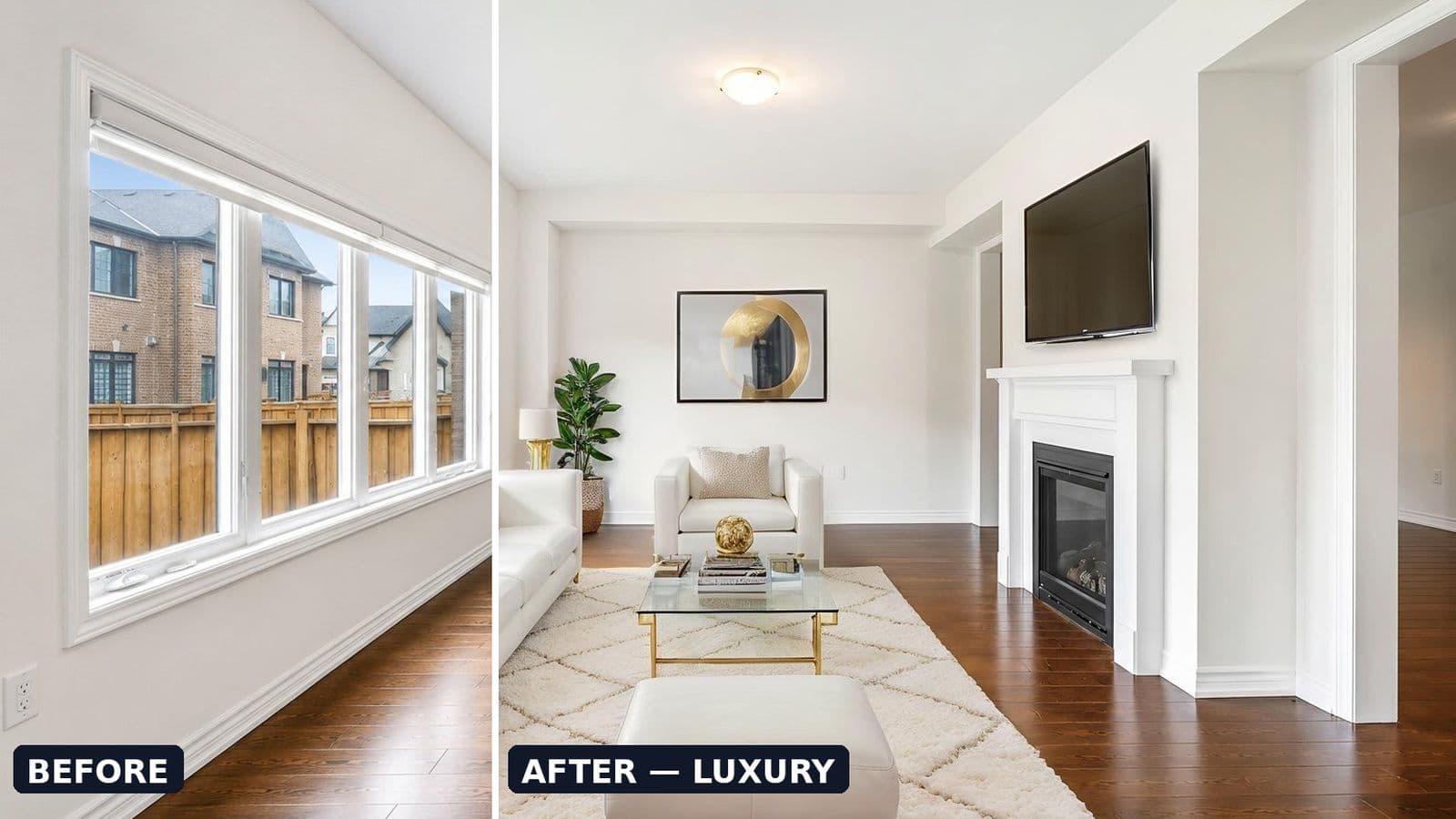
Step 3 — Generate and review
The AI furnishes the room in about 15 seconds. Review it against one question: would the room actually look like this with furniture in it?
- Furniture in proportion to the room? Good.
- Anything added that isn't real — a fireplace, a window? Regenerate. Don't ship it.
- Styling so perfect it looks like a showroom? Dial it back. Realistic beats impressive.
Generate a couple of variations and keep the most believable one, not the flashiest.
Step 4 — Declutter if needed
If the room had the seller's furniture, use AI removal first, then restage — or just leave it decluttered. Every VirtuallyStage package includes furniture removal, so this doesn't cost extra.
Step 5 — Label, disclose, and post
Before it goes on the MLS:
- Watermark each staged image "Virtually Staged."
- Disclose in the listing remarks near the top.
- Keep the empty original — required in some states, smart everywhere.
- No people in the images (many MLSs prohibit it).
Then post. (See the disclosure-rules page for your state's specifics.)
The whole thing, timed
| Step | Time |
|---|---|
| Shoot 5 empty rooms | 20–30 min |
| Upload + pick styles | 5 min |
| Generate + review | 5 min |
| Label + disclose | 10 min |
| Total | Under an hour |
Versus physical staging: days of scheduling, a furniture truck, and $1,500+.
FAQ
How long does it take to virtually stage a listing?
With an AI tool, under an hour for a whole listing — most of that is shooting the empty rooms. The staging itself takes about 15 seconds per photo.
Do I need a professional camera?
No. A modern phone in good daylight is fine. Lighting and a level, straight-on shot matter more than the camera.
Can I stage a listing myself, without a designer?
Yes. AI virtual staging tools are built for agents to use directly — upload, pick a style, download. No design skills needed.
How many photos should I stage per listing?
The main living spaces: living room, primary bedroom, and often the kitchen or dining area. Five photos covers most listings — which is exactly why VirtuallyStage's entry package is 5 photos for $35.
Stage your next vacant listing today
Upload an empty room, generate up to 20 staged designs, download in 15 seconds. $35 for 5 photos, no subscription, credits never expire.


