I stage my own listings, and I built the tool I use to do it. That second part means I have spent more hours than is probably healthy looking at what these models actually do to a photograph — not the finished render, the part underneath.
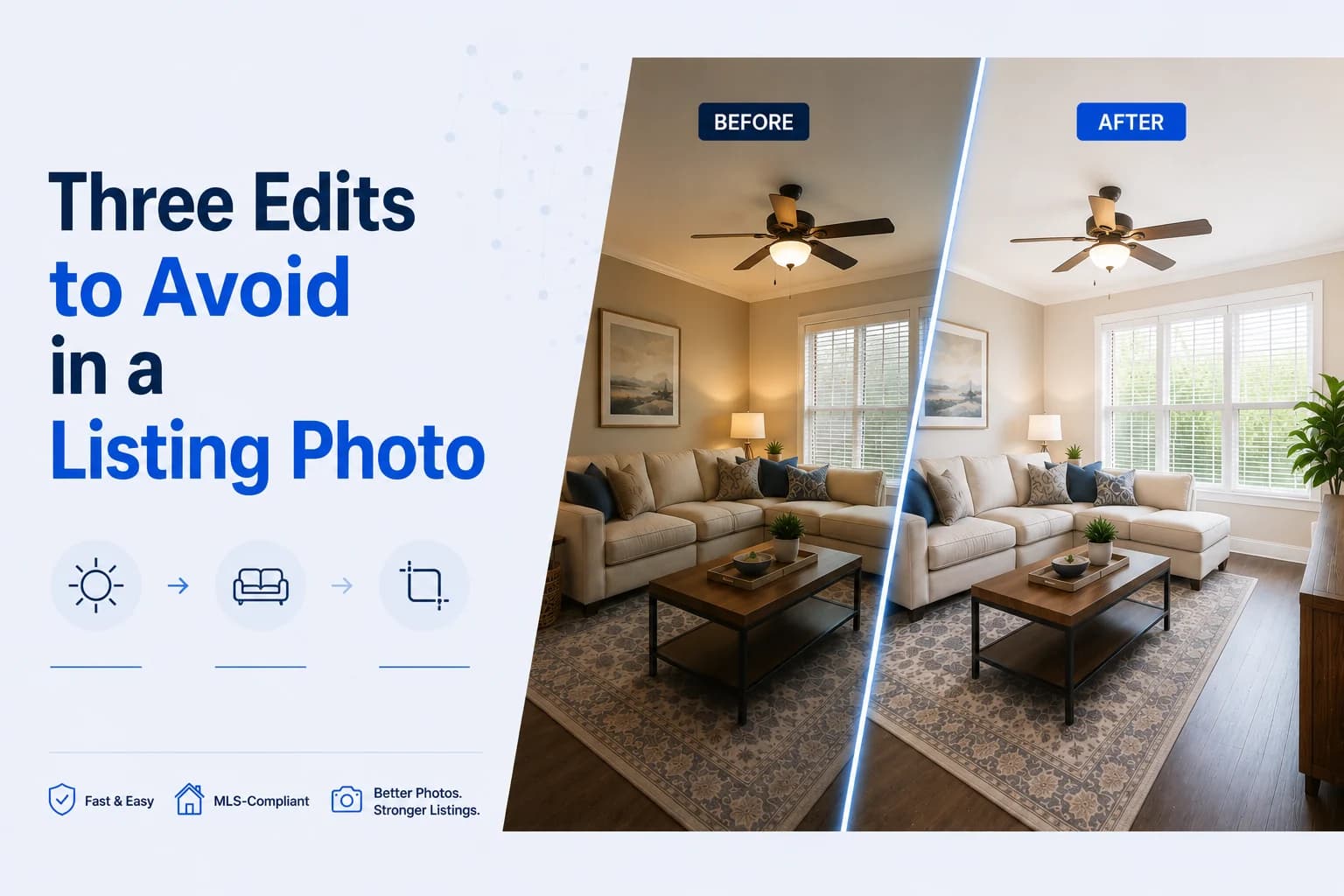
There are three edits I won't make.
Two of them aren't against any rule in Ontario. I checked, properly, in the actual rulebook. I still won't make them, and it isn't really about compliance. It's about the twenty seconds after the front door opens.
1. Anything that was covering something
This is the one that gets people, and it's the one almost nobody understands about AI removal.
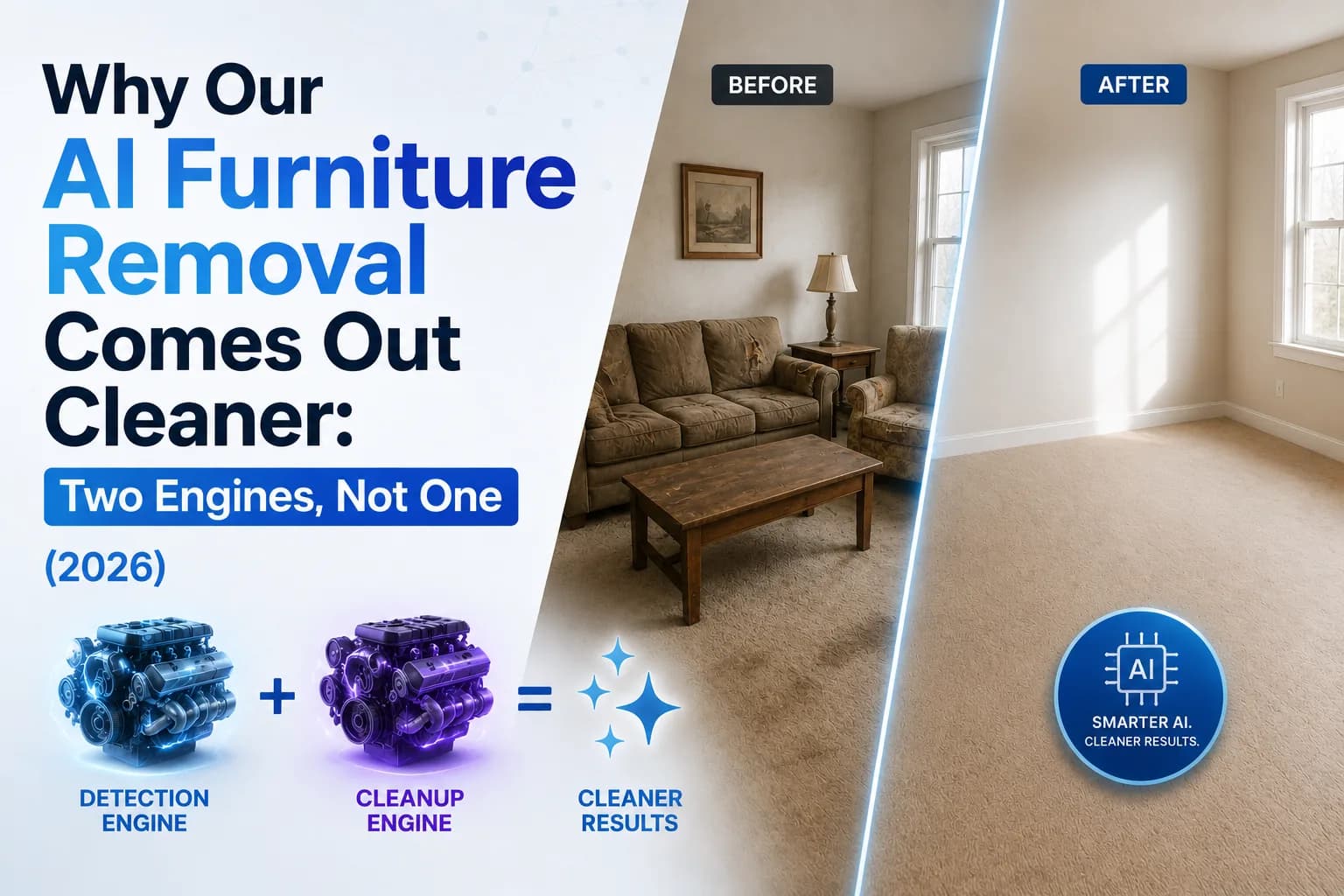
When you take out a rug, the tool doesn't cut a hole in the photo. It has to put something back. What it puts back is a guess — a clean, confident, well-lit guess about what the floor looks like underneath.
If the floor under that rug is fine, the guess is right and nobody ever knows. That's most of the time.
But things end up on floors and against walls for a reason. A rug over a worn patch. A sofa in front of a scuffed baseboard. A picture over a repair. Remove the object and the model doesn't reproduce what's there — it paints in what should be there. Fresh floor. Clean wall.
The photo looks completely normal. That's the problem with it.
Ontario's rule, for what it's worth, is PropTx 5.01(a). It doesn't ban AI images. It bans images that "do not accurately depict the listed real estate." That's the whole test, and it's a good one.
A sofa is not the real estate. The wall behind it is.
So the question I ask isn't did I remove something. It's did the tool invent something.