Written by a working real estate agent. This is the comparison I wish I had when I started removing furniture from my own listing photos.
Search "remove furniture from a photo" and you get dozens of tools, most of them built for interior designers or general photo editing, not for real estate. For a listing, a few specific things matter more than raw features. Here is what to look for, and how the main categories of tools stack up.
What actually matters for a listing photo
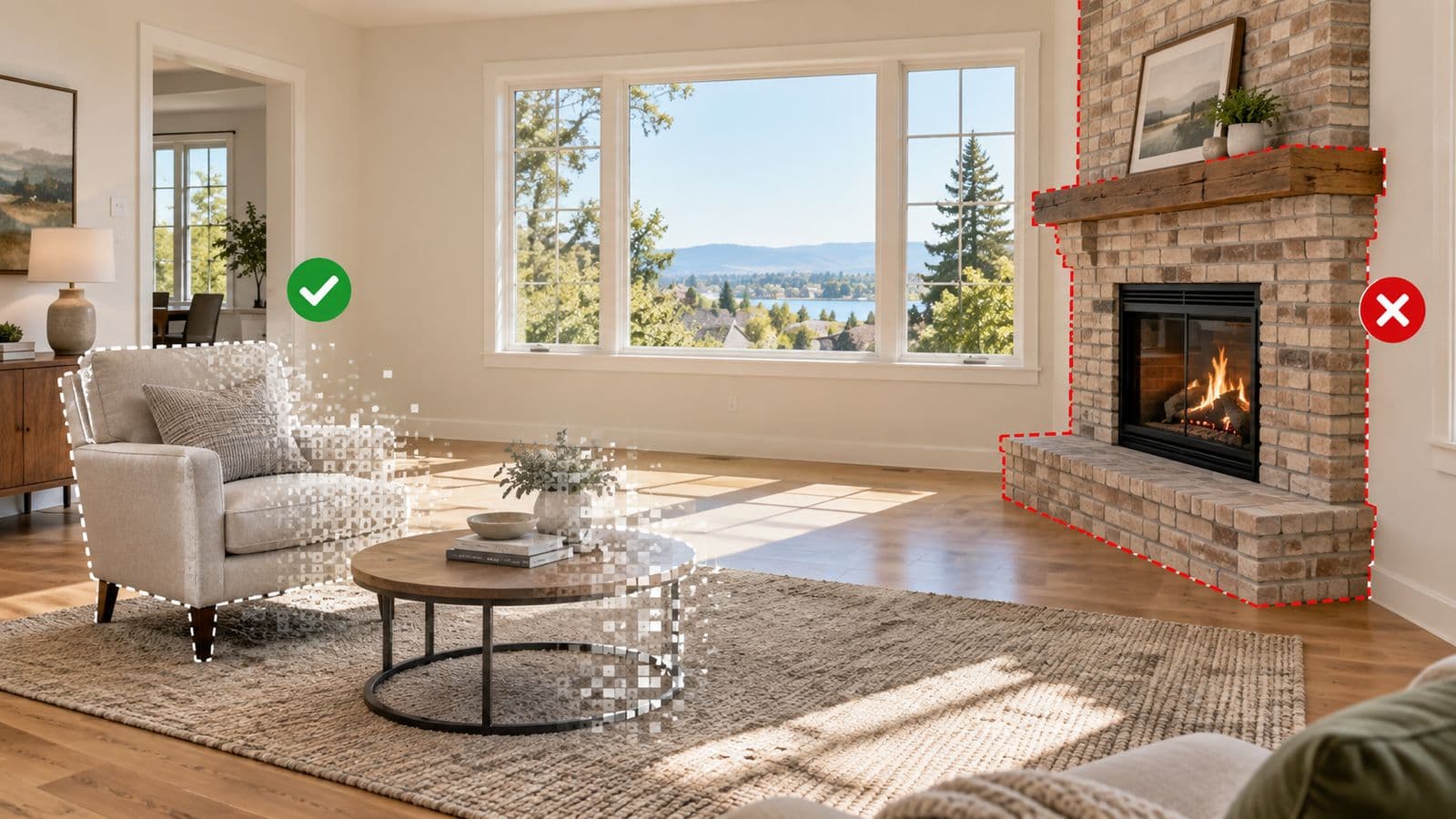
- It keeps the room accurate. Walls, windows, flooring, and dimensions must stay true, or the photo is not MLS-suitable and buyers feel misled at the showing.
- It is fast. Listings move. Waiting a day or two for an edit costs you momentum.
- It is priced for how you list. A monthly subscription only pays off if you use it constantly.
- It handles removal and staging together. Most rooms do not just need to be empty — they need to look sellable.
How the options compare
Human-edited services (for example, BoxBrownie)
Real editors, strong quality, and good when you want a person's eye. The trade-offs are turnaround (commonly 24 to 48 hours) and per-photo pricing that adds up. Great for the occasional hero shot; slow as an everyday tool.
Subscription AI tools
Fast and often inexpensive per photo — if you run a high volume every month. The catch is the recurring fee and, on many of them, credits that reset at the end of each cycle. If your listing volume is seasonal or light, you pay in the quiet months too.
Real-estate-built, pay-per-listing tools (VirtuallyStage)
Built specifically for agents: furniture removal and staging in one workflow, MLS-compliant output, results in about 15 seconds, and pay-per-listing pricing with no subscription and credits that never expire. It is the model that fits an agent who lists a handful of properties a year rather than dozens a month.
Where VirtuallyStage stands out
A few things make it a strong pick for a listing agent specifically:
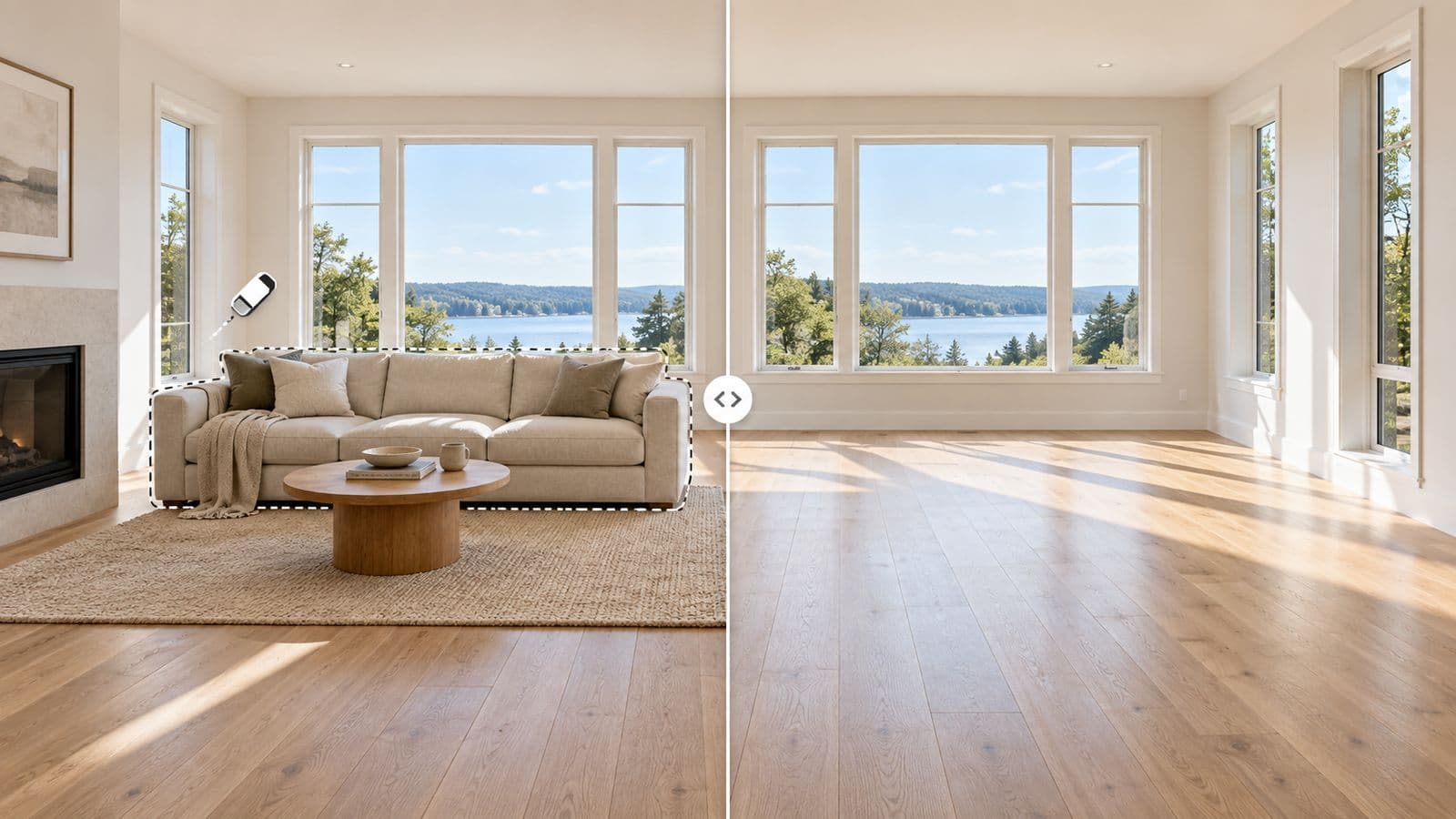
- Removal is included, and pairs with staging. Clear a tenant's furniture, then furnish the room in the same place, one price.
- No subscription, credits never expire. Buy once, use it whenever the next listing comes.
- Built by a working realtor around MLS rules and how listings actually get marketed — not a general design app.
- Seconds, not days. You are not waiting on an editor between showings.
None of this means the other tools are bad — a busy staging company or a designer may well prefer a subscription or a human editor. It means that for a per-listing agent who wants a clean, furnished, MLS-ready photo fast, a real-estate-built tool is usually the better fit.
The fairest way to judge is on your own photo. Try VirtuallyStage on your own listing — $35 for 8 photos and see the result before you compare.
FAQ
What are the simplest AI tools for removing furniture from photos?
The simplest are AI tools built for real estate where you upload the photo, brush over what you want gone, and get a cleared room back in seconds — no editing skill needed. VirtuallyStage clears it in about 15 seconds with no subscription. Human editing services like BoxBrownie are simple too but take 24–48 hours.
What are the best tools for removing furniture from house photos?
For a listing photo, the best tool is one built for real estate: it keeps the room accurate and MLS-suitable, works in seconds, and is priced per listing. VirtuallyStage does this and includes virtual staging in the same workflow, so you can clear a room and furnish it without switching tools.
Is there a furniture removal tool with no subscription?
Yes. VirtuallyStage uses pay-per-listing credits — buy once, no recurring fee, and the credits never expire.
What is a good BoxBrownie alternative for removal?
If you do not want to wait 24 to 48 hours for a human editor, an AI tool clears the room in seconds. VirtuallyStage returns results in about 15 seconds with no subscription and lifetime credits.
Can one tool both remove furniture and stage the room?
Yes. VirtuallyStage handles removal and staging in the same workflow, so you are not stitching two products together.
See the full breakdown on AI furniture removal, or compare our staging software roundup.
Stage your next listing today
$35 for 8 photos — a full listing — with up to 20 versions of every photo and furniture removal on the same account. No subscription, and credits never expire.