Canva Magic Eraser / Magic Edit
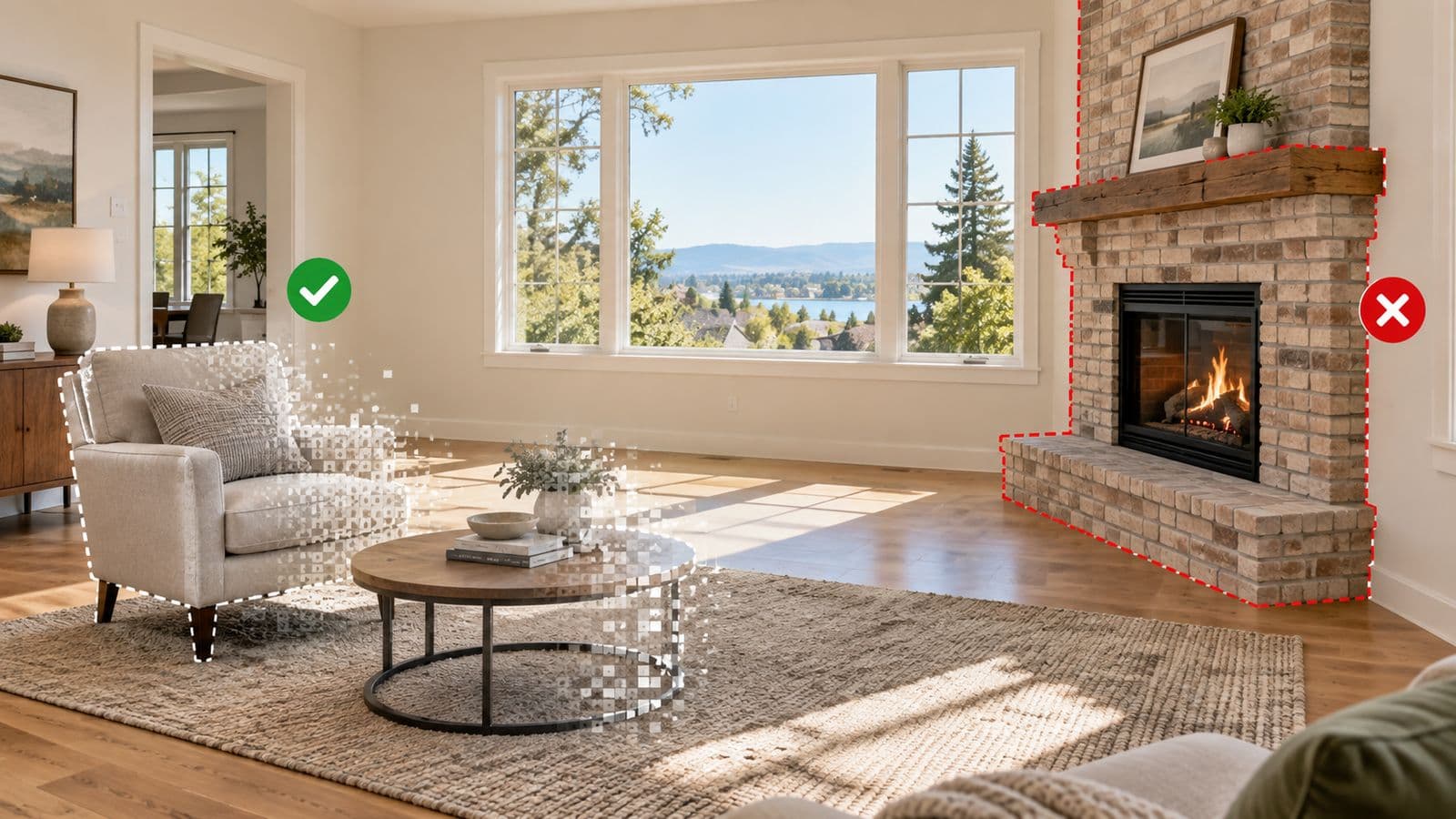
Canva is the fastest free-ish option, and for small objects — a bin, a cable, a car in the driveway — it is honestly fine. Brush over the object and it disappears.
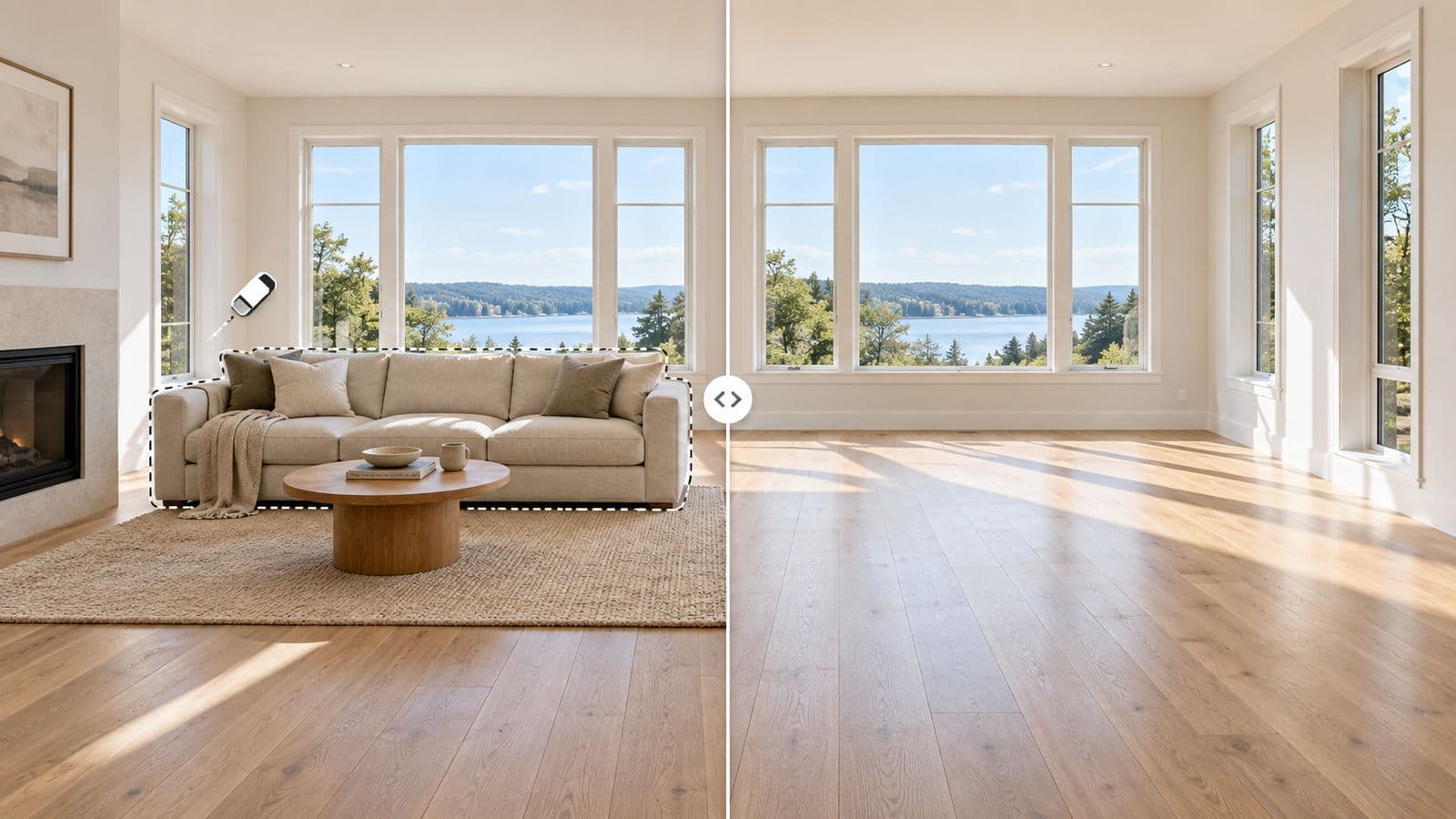
Where it struggles is exactly what a furnished room is: large connected objects sitting on textured surfaces. Erase a sectional and Canva must invent two metres of hardwood, a baseboard, and part of a wall — a general-purpose eraser tends to return smears or repeating texture there. Canva was built for graphics, not for reconstructing rooms. Use it for clutter; think twice before using it for furniture.
Purpose-built real-estate removal
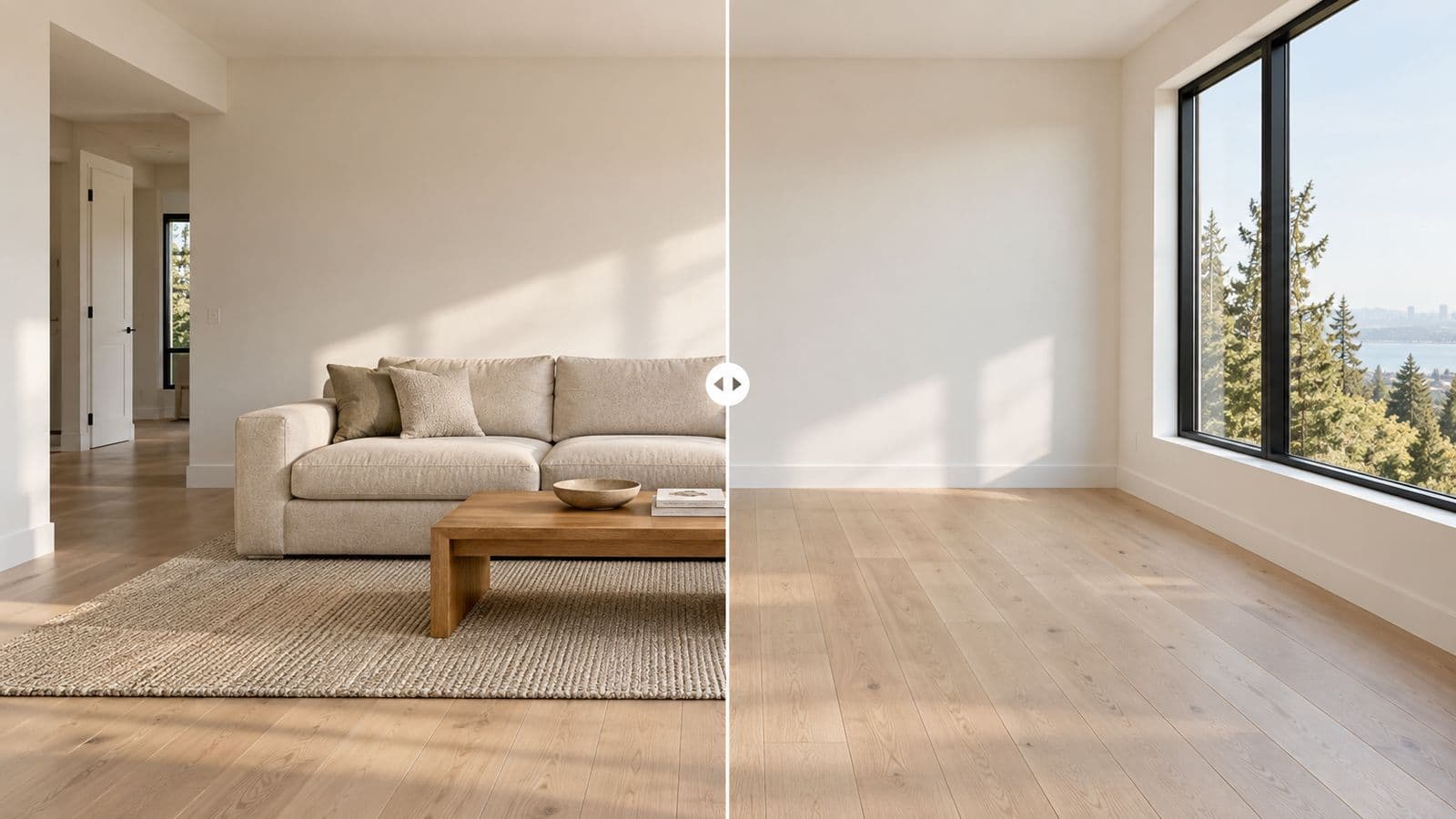
Tools built for listing photos — VirtuallyStage among them — do one narrow thing: remove the furniture you brush over in a property photo and rebuild the floor, wall and baseboard behind it so the room still reads as photographed. Because the model only ever sees rooms, it is far less likely to invent texture where the sofa was.
VirtuallyStage's numbers, for comparison: about 15 seconds per photo, pay per photo at $9 for 15 (about 60 cents each, as low as 33 cents in bulk), no subscription, credits never expire, and it runs in the browser with nothing to install. The whole 20-photo listing takes minutes, not a day.
The comparison, honestly
| Option | Cost | Time per photo | Best at | Weak at |
|---|
| Photoshop Generative Fill | ~US$23/mo | 10–20 min | Full control, single hero shots | Volume; requires skill |
| Canva Magic Eraser | Free–$15/mo | 1–5 min | Small objects, clutter | Large furniture on textured floors |
| Real-estate removal tool | ~$0.33–0.60/photo | ~15 sec | Whole listings, occupied/tenanted homes | Not a general photo editor |
The check that matters more than the tool
Whichever you use, AI removal does not delete an object and leave a hole — it reconstructs what it infers was behind it. Remove a rug and the model may paint clean hardwood over a stain. That is no longer removal; it is inventing a physical characteristic of the property, which every MLS rule prohibits. Look at the spot the furniture used to occupy before the photo goes on the listing. That habit matters more than which button you pressed.
More on the rules side: keeping removal MLS-compliant, and what removal costs tool by tool.
Try it on your own photo
The fastest way to compare is with your own listing photo. $35 for 8 photos — no subscription, credits never expire. If Photoshop or Canva serves you better for your workflow, use them; the comparison above is the real trade-off either way.
Information from a working agent, not advertising copy — where a competitor is the better deal, this page says so. Last updated: August 9, 2026.