Disclose it — the one habit that protects you
Most boards want edited or virtually staged photos labeled. The safe standard everywhere is the same two-step habit agents already use for virtual staging:
- Label the edited image (for example, "Virtually Staged" or "Digitally edited") so the note travels with the photo.
- Add a line to your listing remarks noting that some photos have been digitally edited.
Rules vary by state, province, and board, and some markets have specific requirements — see the disclosure rules by market. When in doubt, disclose.
Occupied and tenanted homes — the best use of all
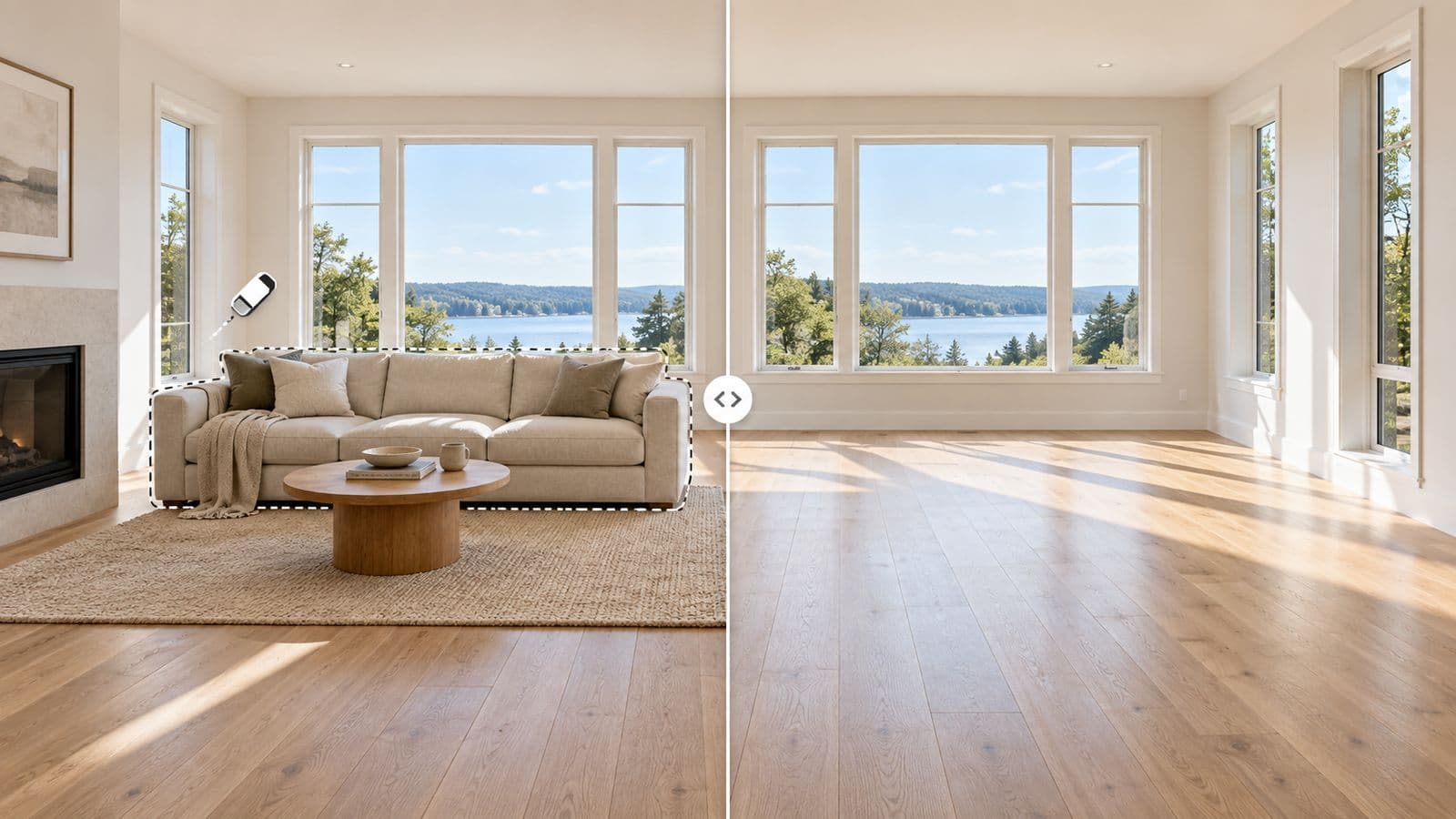
This is where digital removal earns its keep. When a home is lived in — a tenant's furniture, an owner who has not packed, a cluttered family room — you usually cannot stage it physically and you often cannot even move things. AI furniture removal clears the room in the photo without anyone touching a thing. You can then leave it empty to show the space, or furnish it virtually in a style that fits the listing.
For tenanted listings especially, it is often the only practical way to get a clean, marketable photo without disrupting the people living there.
Have an occupied listing to prep? Try VirtuallyStage on your own listing — $35 for 8 photos and see it cleared in seconds.
FAQ
Is AI furniture removal MLS-compliant?
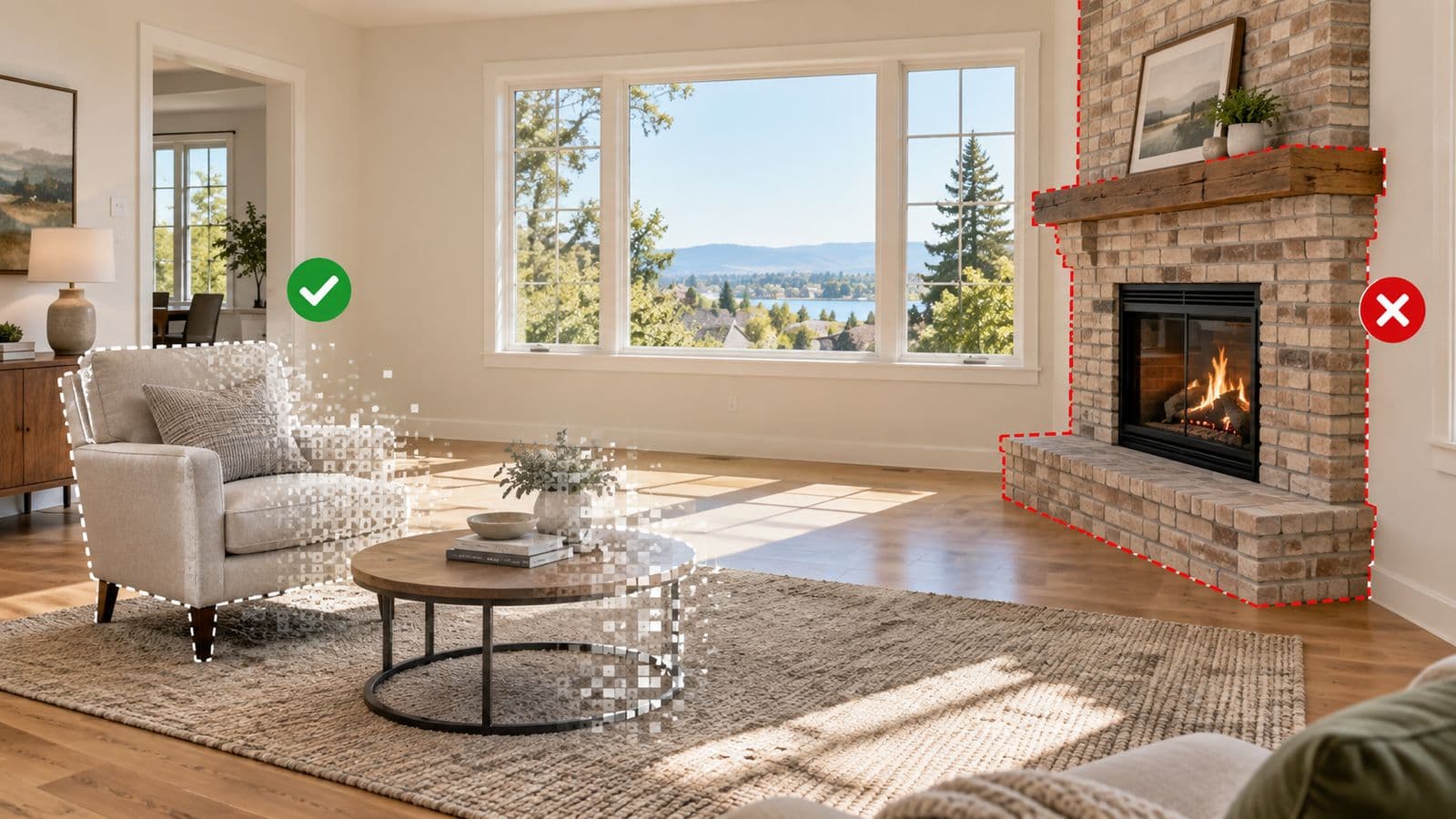
Yes, when used correctly. It preserves the true layout of the room — walls, windows, flooring, and dimensions — which meets the "accurately depicts the property" standard boards apply. You are still responsible for disclosing that a photo was digitally edited, as most boards require.
Do I have to disclose that furniture was removed?
In almost every market, yes. Label the edited photo and note it in your listing remarks. The exact wording varies by board.
Does it work on tenanted or occupied properties?
Yes — it is one of the most common uses. You can clear a tenant's or owner's furniture and clutter from the photo without anyone moving a thing, then present a clean or freshly staged room.
Can I remove the furniture and then stage the empty room?
Yes. With VirtuallyStage, removal and staging are the same workflow, so you can clear an occupied room and furnish it in one place.
Read more about AI furniture removal, or see what you can and cannot edit.