
MLS Compliance

Virtual Staging for Pre-Construction Condos in Canada (2026)

July 16, 2026
5 min read
MLS Compliance
Virtual Staging for Pre-Construction Condos in Canada (2026)

Can you virtually stage a pre-construction or assignment condo?

Yes — as long as the staged image shows the actual unit as it will really be, and you disclose that it's virtually staged. Pre-construction and assignment sales are where staging gets tricky, because often there's no furniture, sometimes no finished unit at all — just an empty shell or a floor plan. That's exactly where the "don't misrepresent the property" rule matters most.

The two situations, and how to handle each

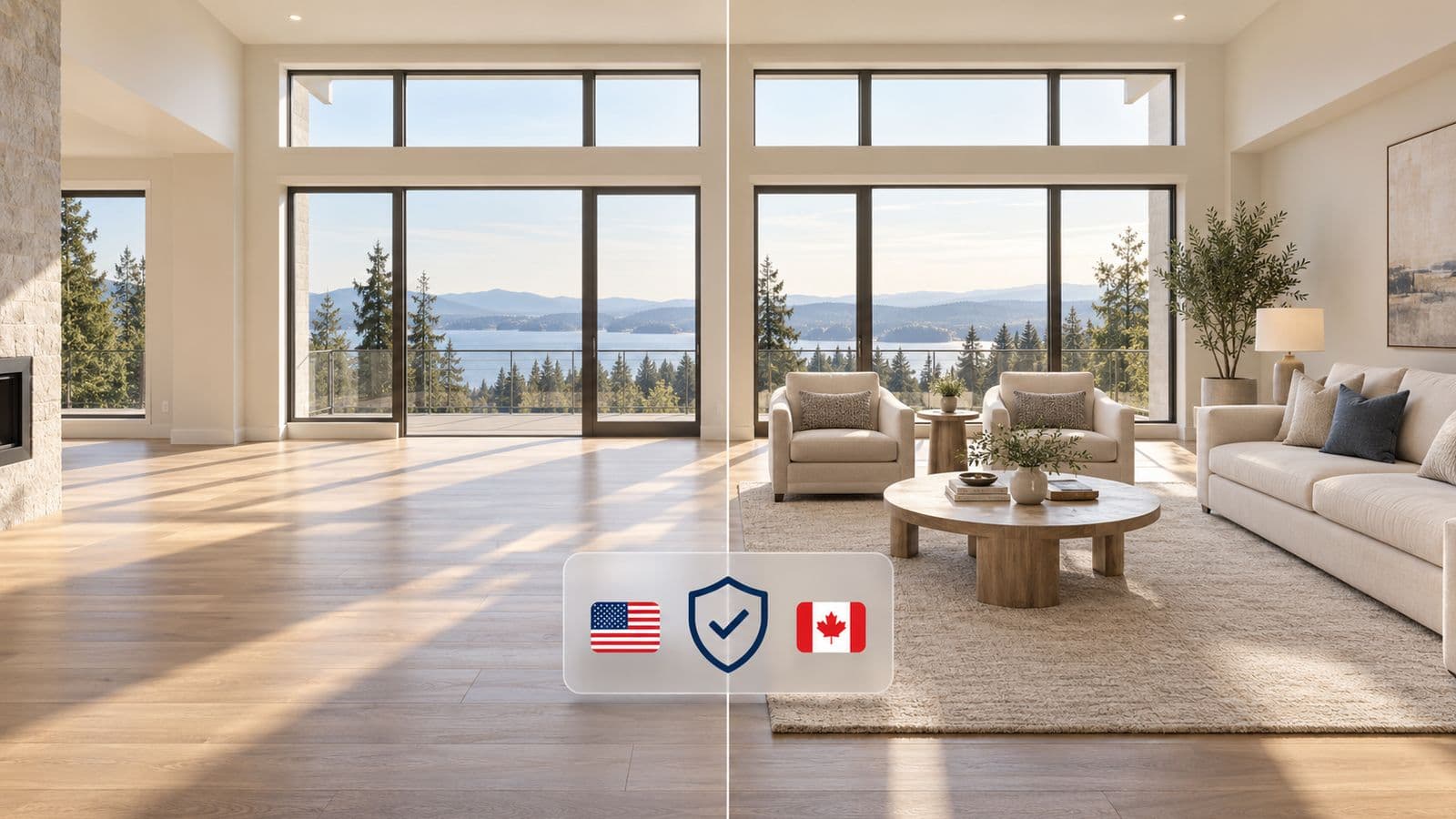
1. The unit exists but is empty. This is a standard virtual staging job: furnish the real room from the real photo, label it "Virtually Staged," and keep the empty original. Same rules as any other Canadian listing — see the province-by-province guide.

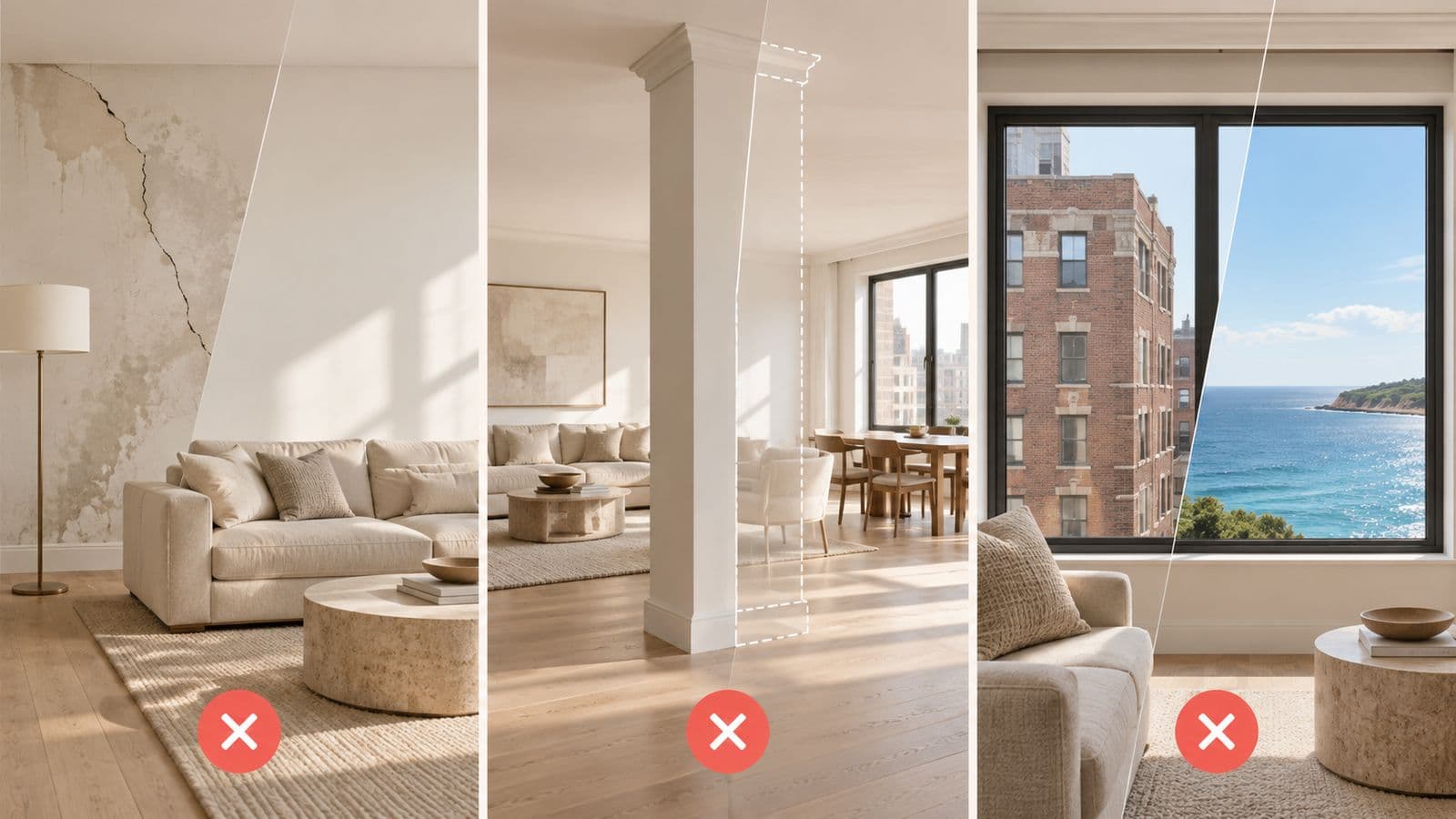
2. The unit isn't built yet. Here you're staging a builder rendering or a bare shell. The hard line: the staged image can't imply finishes, views, or layouts the buyer won't actually get. If the render shows a skyline view the unit won't have, or a kitchen finish that isn't in the package, that's misrepresentation — and on an assignment, it's the kind of thing that blows up at closing.
Why this matters more on assignments

Assignment buyers are buying something they often can't walk through. The listing photos are the property to them. That raises your exposure: a staged image that oversells becomes the buyer's expectation, and when the finished unit doesn't match, you're the one holding it. Stage to the real spec, disclose clearly, and keep the unstaged shell or the builder's floor plan alongside it.

The safe pre-con checklist

1. Stage only what the buyer will actually get — real layout, real finishes, real ceiling height.

2. Label every staged image "Virtually Staged."

3. Keep the empty unit photo or floor plan in the gallery.

4. Don't invent the view. Never add a skyline or waterfront the unit doesn't face.

5. Note "furniture for illustration only" so no one thinks it's included.

FAQ

Can you virtually stage an empty pre-construction condo?

Yes. If the unit exists, furnish the real room from the real photo, disclose it as virtually staged, and keep the empty original. If the unit isn't built, stage only to the actual spec the buyer will receive.

Is it legal to stage an assignment condo listing?

Yes, with disclosure and no misrepresentation. Because assignment buyers often can't view the unit, accuracy matters even more — the staged photo can't imply finishes or views they won't get.

Do I need to disclose virtual staging on a pre-con listing?

Yes, the same as any listing — label the image as virtually staged wherever it appears, and keep the unstaged version available.

Can I add a view to a pre-construction render?

No. Adding a view the unit won't have is misrepresentation and is a serious problem on assignments, where the photos are effectively the whole property to the buyer.

Staging that shows the real unit, not a fantasy

VirtuallyStage furnishes the actual room and changes nothing structural — so a pre-con or assignment listing stays accurate and disclosable. Built by a licensed GTA agent.

$35 USD for 5 photos, no subscription.

Stage a listing →

Information, not legal advice — confirm rules with your broker, local board, and provincial regulator. Last verified: July 16, 2026.

VS

VirtuallyStage Team

Written by a working real estate agent — practical virtual staging guidance from real listings, not theory.

Ready to Transform Your Listings?

Experience the power of AI-driven virtual staging for your properties.