Step 5 (optional): Stage the empty room
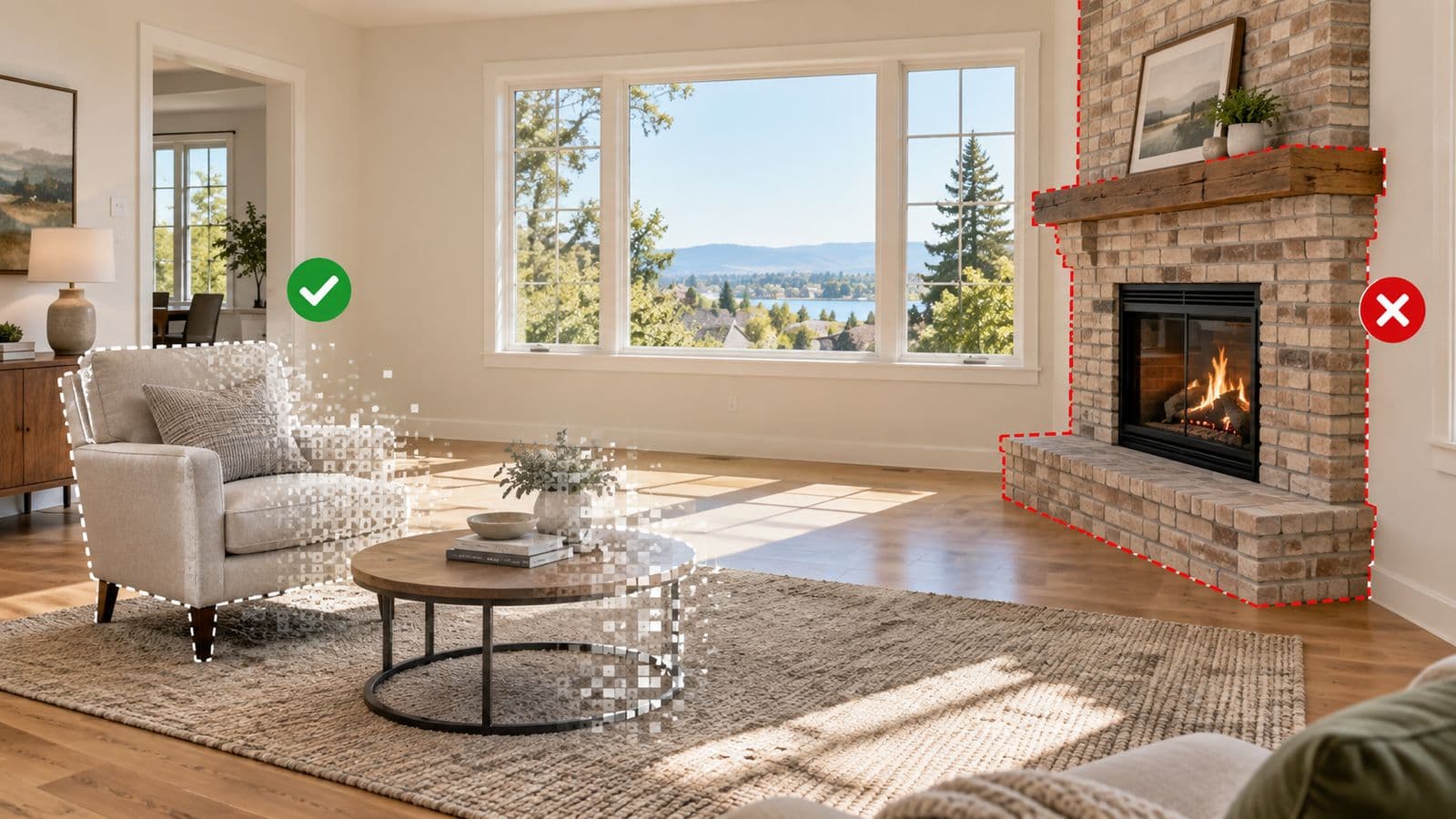
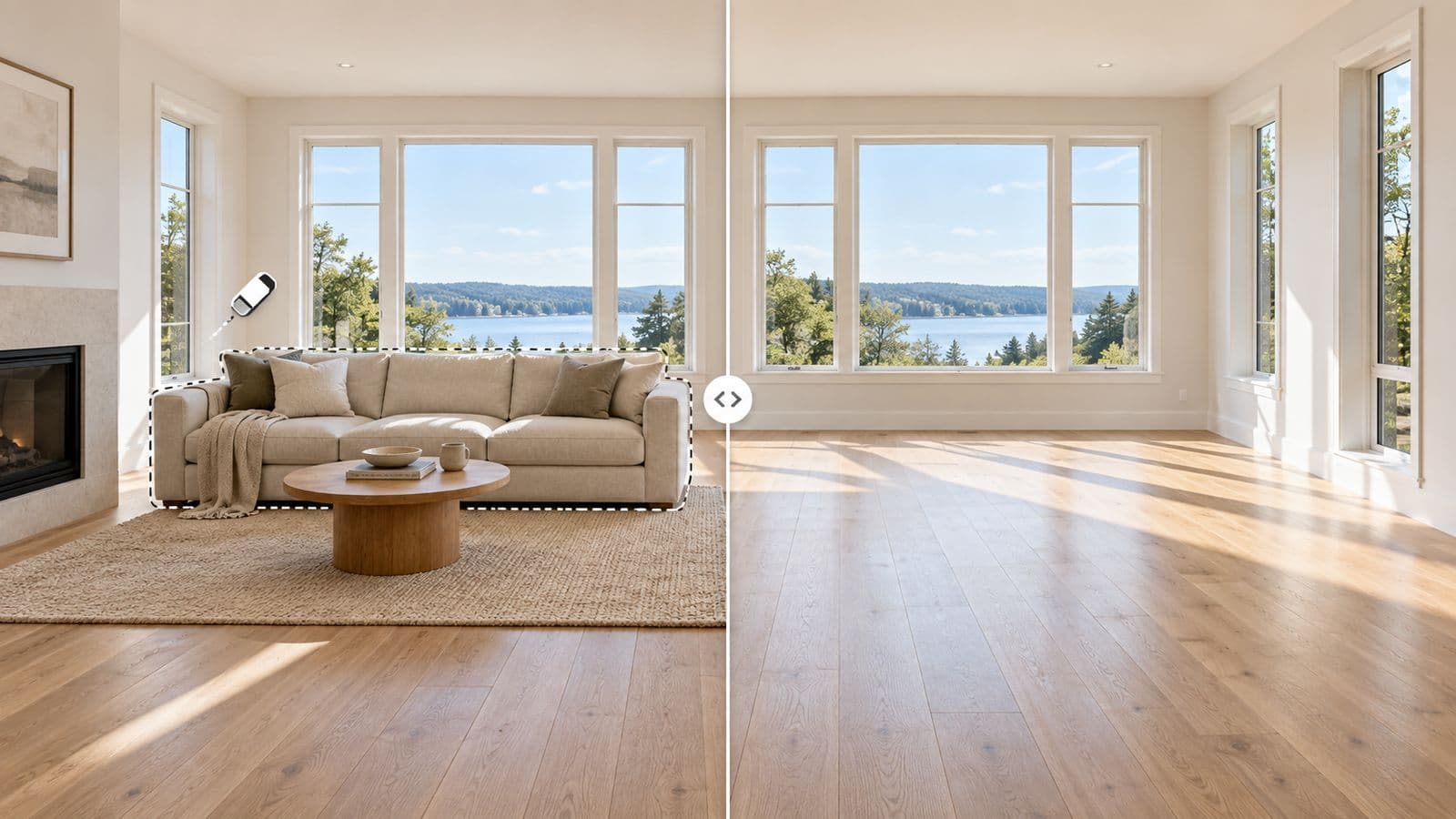
Here is where it gets useful. An empty room shows space, but a furnished room helps buyers picture living there. In the same workflow you can furnish the cleared room in a style that matches your buyer — modern, warm, family-friendly — and generate more than one look if you want options. Remove and stage, one place, one price.
Tips to get the cleanest result
The removal engine does the heavy lifting, but the photo you feed it makes a real difference. A few things that reliably improve the output:
- Use the highest-resolution photo you have. More detail gives the AI more to work with when it rebuilds the floor and walls behind the furniture.
- Shoot straight-on from a corner or doorway, with the whole room in frame. Extreme or tilted angles are harder to reconstruct cleanly — keep the camera level so verticals stay straight.
- Even lighting beats dramatic lighting. Avoid harsh shadows and blown-out windows; a well-lit room reconstructs more believably.
- Clear obvious loose items first if you can. The AI handles everyday clutter well, but a tidier starting photo returns a tidier result.
- One room per photo. Clear a single space at a time rather than trying to empty two rooms in one shot.
- Watch mirrors and glass. Furniture reflected in a mirror or glass door may need a second look — check reflections in the result.
- Tenanted or occupied units are the ideal use — clear the tenant's furniture and personal items from the photo without anyone moving a thing.
- Disclosure: whether you leave the room empty or stage it, follow your local real estate board's rules on labeling edited or virtually staged photos.
Why agents use it
It comes down to three things: it is fast (about 15 seconds, not days), it is affordable (a few dollars per photo, pay per listing, no subscription), and it is built by a working realtor — so it is shaped around getting a listing sold, not around software features. Clear the room, stage it if you want, and get your listing live today. Compare it with traditional staging, read more about AI furniture removal, or check the furniture removal guide for what to take out, what to leave, and what to disclose.
FAQ
What's the quickest AI editor to clear furniture out of a room?
The quickest are AI tools made for real estate that clear whatever you brush over — VirtuallyStage returns a cleared render in about 15 seconds. General editors like Photoshop generative fill work but take longer and need skill; human editing services are reliable but run 24–48 hours.
What is the best way to quickly clear out a room in a listing photo?
Upload the room photo to an AI tool built for real estate, choose furniture removal, and download the cleared image. With VirtuallyStage this takes about 15 seconds and needs no manual editing.
Does furniture removal work on tenanted or occupied homes?
Yes. You can clear existing furniture and clutter from the photo without coordinating a move-out, which makes it ideal for tenanted units and occupied listings.
How much does it cost to remove furniture from a photo?
VirtuallyStage is $35 for 8 photos — about $4.38 per photo — with no subscription and credits that never expire, so it stays well under $20 per image.
Can I also add furniture after removing it?
Yes. After clearing the room you can virtually stage it in the same workflow, furnishing the space in a style that fits the listing.
Ready to try it? Clear your next listing photo with VirtuallyStage — $35 for 8 photos, no subscription.