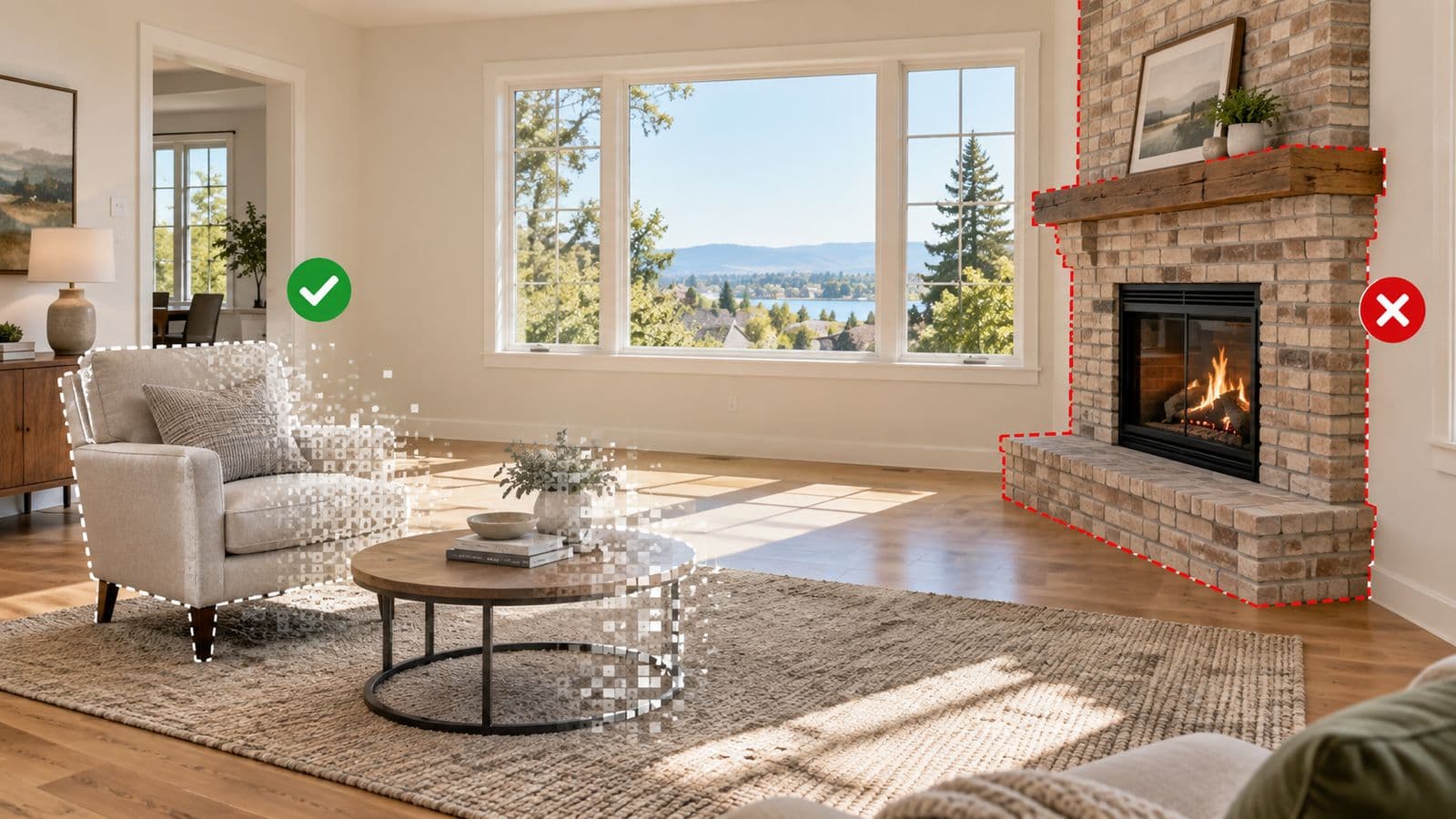
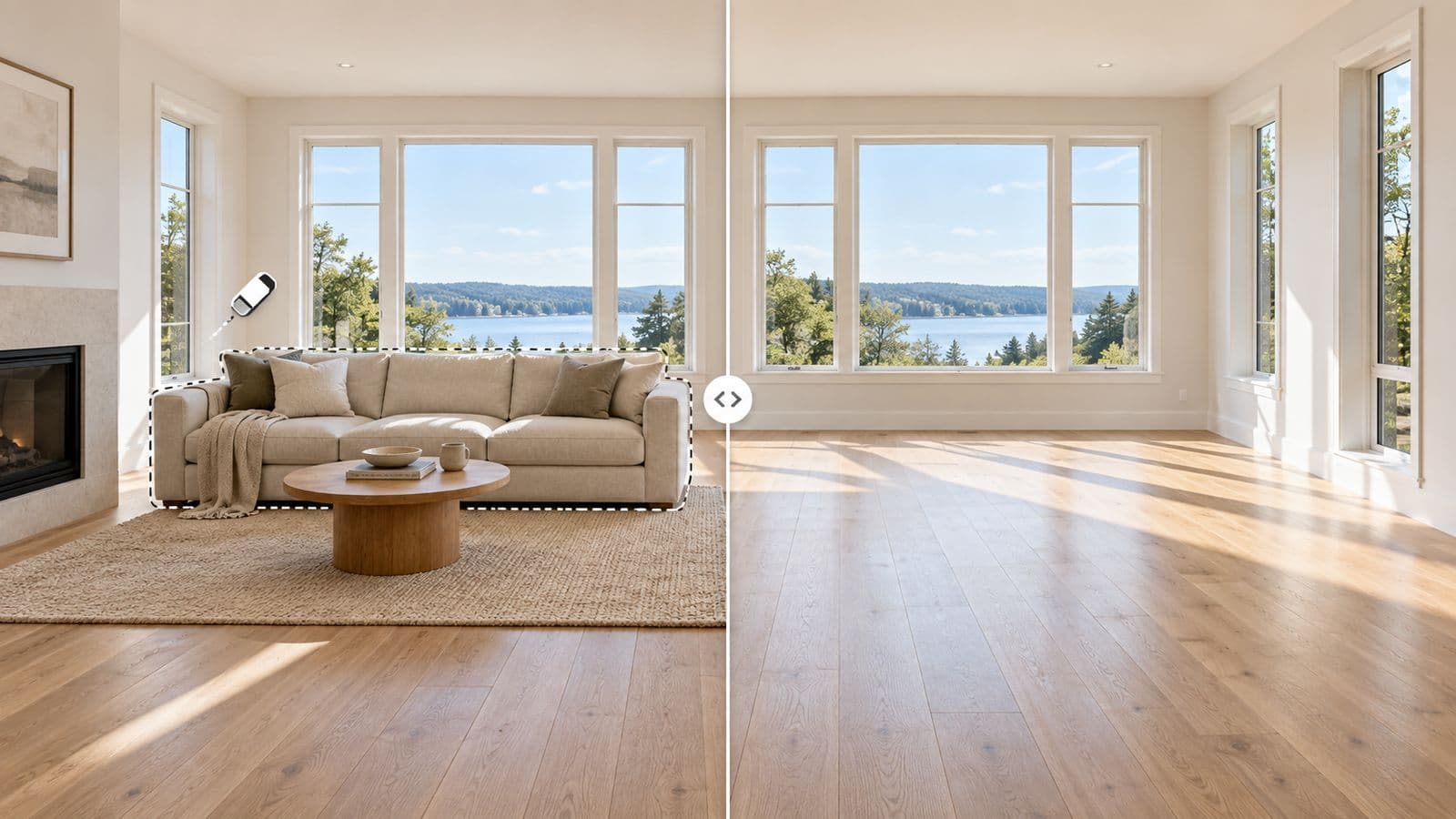
Written by a working real estate agent who preps listing photos this way every week.
Most rooms you want to photograph are not empty and not ready. They are occupied, cluttered, or full of furniture that does not help the sale. To turn that into a great listing photo the old way, you needed two things: something to clear the room, and something else to furnish it. Two tools, two uploads, two waits. Here is why doing both in one place changes the math.
The two-tool problem
When removal and staging live in different products, every room is a small project. You export from one, import to the other, keep track of versions, and pay for each step separately. It works, but it is slow, and slow is expensive when a listing is live and buyers are scrolling.
One workflow, start to finish
With VirtuallyStage, clearing the room and furnishing it are the same job:
- Remove the existing furniture and clutter from the photo.
- Stage the cleared room in a style that fits the listing — modern, warm, family-friendly.
- Download a clean, listing-ready photo — all in one place, one pay-per-listing price.
Because it is one workflow, there is no exporting between tools and no second bill. And it is fast: results come back in about 15 seconds, so you can prep a whole listing between showings instead of waiting on an editor.
Why the speed and the single price matter
The buyer's first showing is almost always the photo — on the MLS, on their phone, in your email. Getting that photo clean and furnished today, for a few dollars, beats a polished version that lands two days later. And with pay-per-listing pricing and credits that never expire, you are not paying a subscription between listings to keep the option open.
Try it on a real room: try it on your own listing — $35 for 8 photos, or read the full detail on AI furniture removal.
FAQ
Are there automated services that handle both furniture removal and staging?
Yes. Tools like VirtuallyStage do both in one place — remove the existing furniture, then stage the empty room — in about 15 seconds each, with no subscription. Doing both in one workflow avoids the old furniture bleeding through the new staging.
Can you remove the furniture and stage the room in one place?
Yes. Furniture removal and virtual staging are part of the same VirtuallyStage workflow — clear the room first, then furnish it in the style that fits the listing, all under one pay-per-listing price.
How fast is it?
Cleared and staged photos come back in about 15 seconds, versus the 24 to 48 hours a human editor typically takes.
Do my credits expire?
No. You buy credits once and use them whenever you have a listing — there is no monthly reset.
Does it work on occupied rooms?
Yes. Clear the existing furniture from the photo first, then stage the empty room — ideal for tenanted or lived-in listings.
Compare it with traditional staging, or see how to remove furniture step by step.
Stage your next listing today
$35 for 8 photos — a full listing — with up to 20 versions of every photo and furniture removal on the same account. No subscription, and credits never expire.