How much does virtual staging a condo cost?
With VirtuallyStage, the Single-listing pack supplies 8 staging credits for $35. One staging credit is used for one photo, with up to 20 staged versions of that photo. The examples below use that pack, not a promise that every condo needs eight photos.
| Photos staged | Package payment | Staging credits left |
|---|
| 3 | $35 | 5 |
| 5 | $35 | 3 |
| 8 | $35 | 0 |
The base price is US$35; For the current Canadian-dollar price, open the pricing page and confirm the currency and applicable taxes at checkout. Buying eight credits and using three still means paying for the full pack. The remaining credits can be used later; they are not a cash refund.
For more than eight photos, compare the available packs before buying. For a wider comparison of payment models, read virtual staging without a subscription. For choosing a service, our Canadian virtual staging comparison covers a different question: which buying model fits your work.
Can you remove furniture from occupied condo photos?
First decide whether the existing furnishings need replacing at all. A clear, well-presented original may serve the listing better than an edit. If you use furniture removal, review the cleared photo before staging it: hidden floor and wall areas have to be reconstructed, and the result may be inaccurate.
Removal and staging are separate operations. A removal uses one removal-only credit if available; otherwise it uses one staging credit. Staging the cleared image uses another staging credit.
Example: you have eight staging credits and no removal-only credits. Removing furniture from two photos uses two credits; staging those two photos uses another two. Four staging credits remain. If you have removal-only credits instead, those pay for the removal step and the staging balance falls by only two.
See the furniture removal workflow before choosing your package. Do not use an edit to conceal damage or imply that a fixed feature has been removed.
How to prepare condo photos for virtual staging
- Use the original full-resolution file. Avoid screenshots of listing photos. Confirm you have permission to edit and publish the photograph.
- Choose a clear angle. Include enough floor and wall to understand the layout. Do not use an extreme wide angle to imply extra space.
- Pick a furnishing style. Keep furniture scale and the style consistent through the unit. A small room needs an appropriate layout, not extra digitally created space.
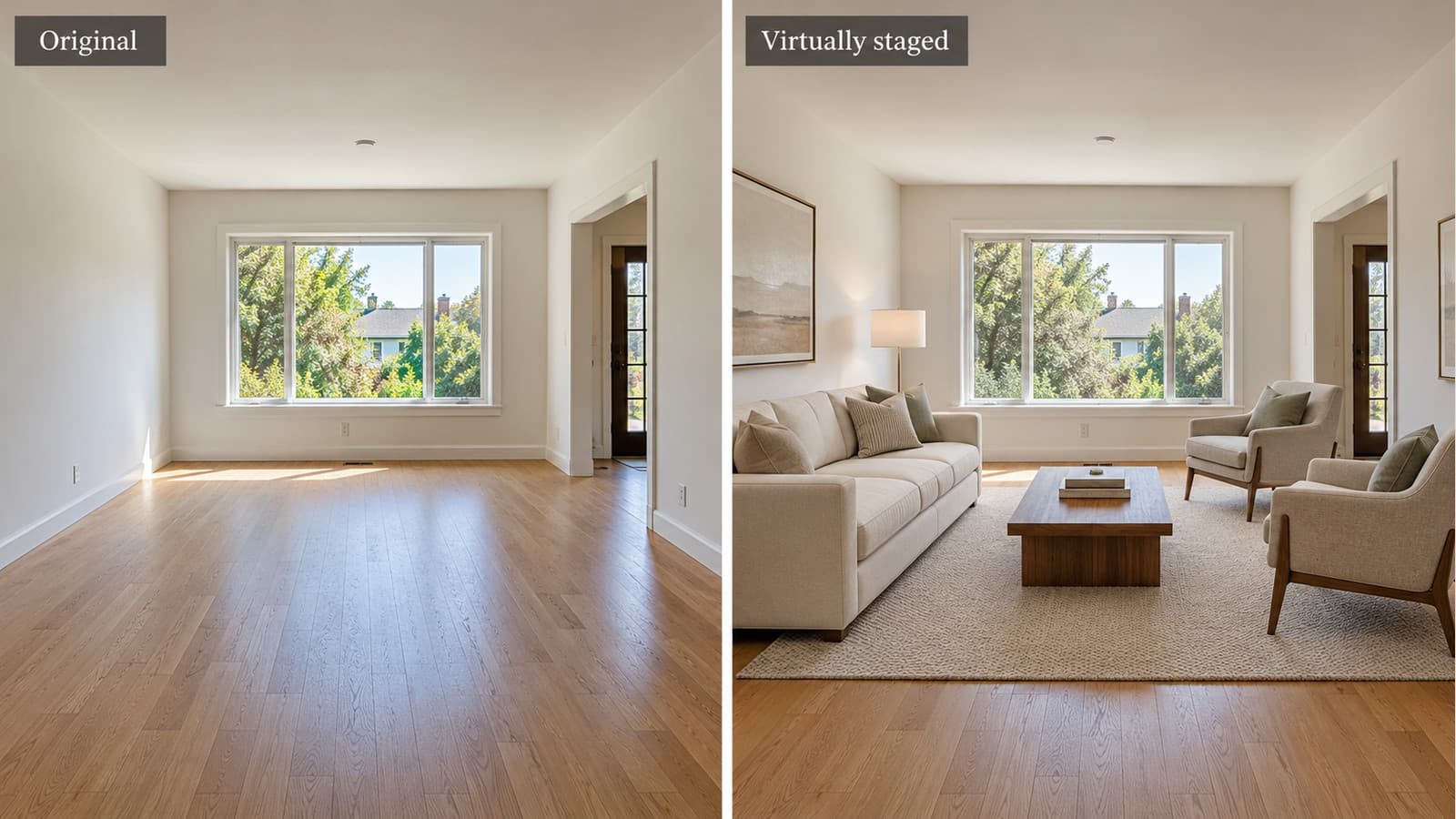
- Review each result beside its original. Check the architecture, fixtures, views and furniture scale before moving to the next photo.
- Keep both files. Prepare the original and the clearly identified staged version for your brokerage's publishing workflow.
How do you keep a small condo looking believable?
The job is to show a possible furnishing layout, not make the unit appear larger. Use the original photo as the reference throughout the review.
- Fit furniture to the room. Do not accept an image that stretches the room to fit a sofa or dining table.
- Keep the architecture. Compare ceiling height, corners, wall lengths, windows, doors, columns and floor boundaries.
- Keep fixed features and views. Radiators, vents, kitchen cabinetry, balcony rails and the scene outside the windows should remain faithful to the original.
- Check scale against measurements. An attractive render is not evidence that a particular bed or sectional will physically fit.
- Reject uncertain results. A polished image with a changed room shape is not ready for a listing.
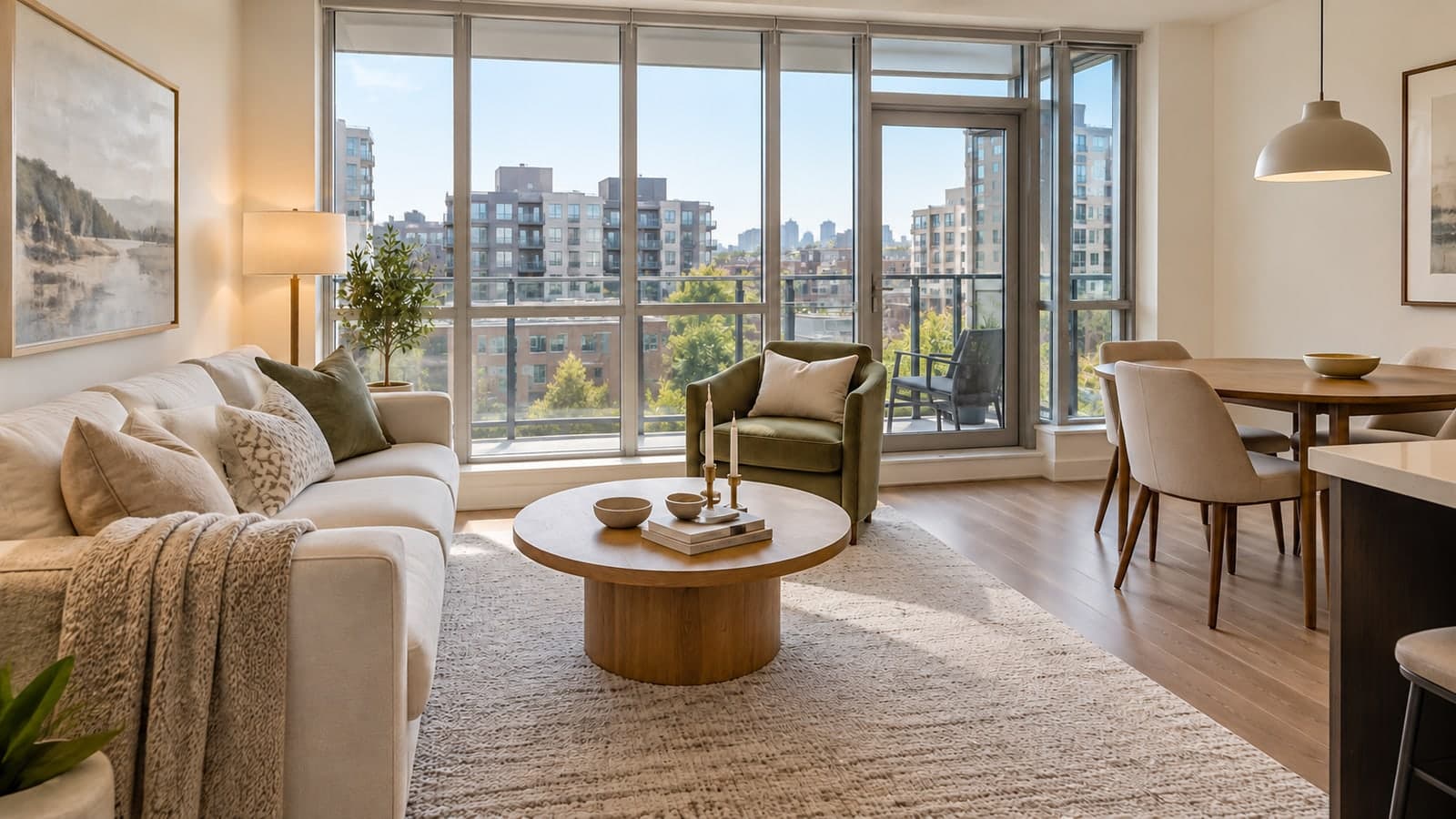
The image at the top is an AI-generated condo illustration, not a Canadian condo case study. You can inspect more living room before-and-after examples or visit the portfolio before deciding whether the style suits your unit.
Before you publish the listing photos
Keep the original files, make the virtual staging clear to buyers, and confirm your brokerage and listing platform's current requirements. A software tool cannot certify that a particular edited image meets every local rule. Our virtual staging disclosure guide provides a starting point for checking the requirements relevant to your listing.
Virtual staging changes the photograph, not the showing. Buyers will still see the actual unit. It cannot correct an asking-price problem or guarantee more enquiries, a faster sale or a higher offer.
FAQ
How much does it cost to virtually stage three condo photos?
The Single-listing pack has 8 credits at a base price of US$35. Staging three empty-room photos leaves five credits. You pay for the pack, not just the three used credits. Check pricing for the current Canadian-dollar amount and taxes; furniture removal uses extra credits.
Can I virtually stage just a few condo photos?
Yes. Choose the photos where furniture explains the space. With VirtuallyStage you buy a pack, use the credits you need, and keep the unused purchased credits for later.
Do Canadian customers need a subscription?
No. VirtuallyStage sells one-time credit packs. Check the pricing page and checkout for the Canadian price and taxes that apply to your purchase.
Can I stage a den as a bedroom?
Do not use virtual furniture to make a claim about a room's legal classification. Confirm how the space may be described with your brokerage and the relevant local requirements.
Does furniture removal use an extra credit?
Yes. Removal uses one removal-only credit, or one staging credit if no removal credits remain. Staging the cleared photo uses a separate staging credit.
Choose the photos for your next condo listing
Start with the living area and bedroom, add another photo only where it helps explain the space, and count any removal steps separately. View packages for your condo photos →